
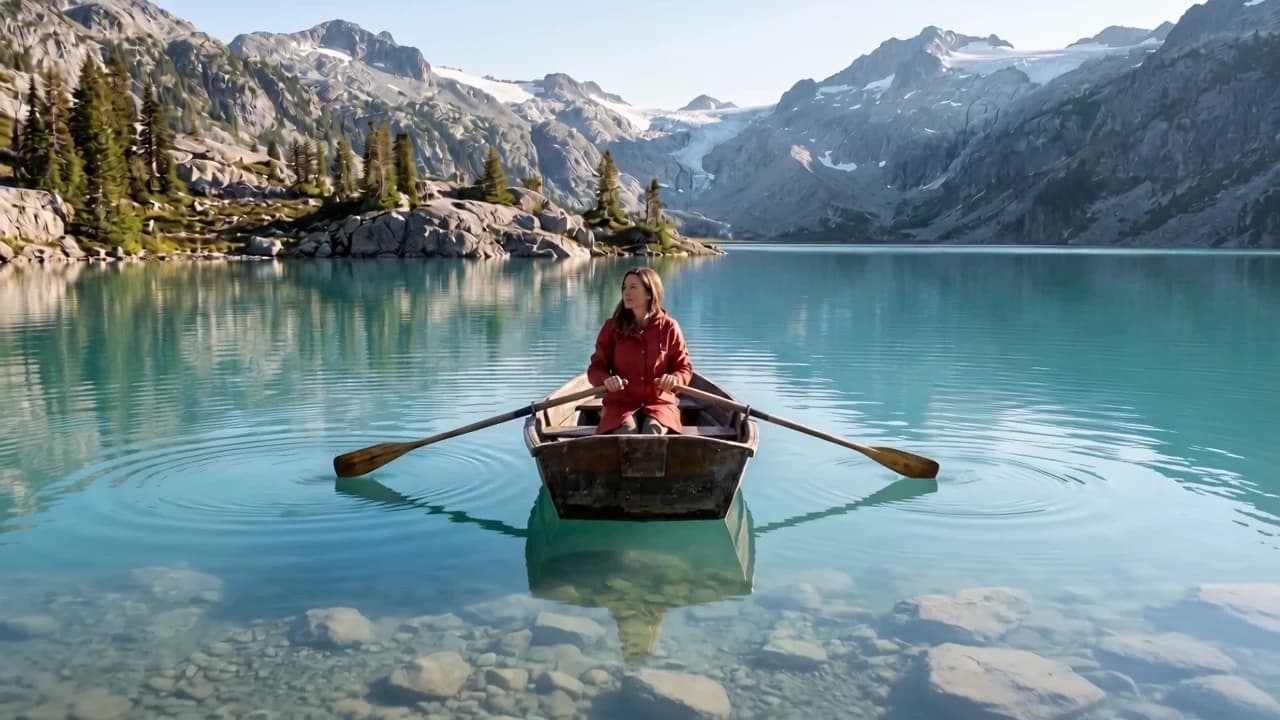
Real depth, steady motion, nothing to prompt

A camera move, not a digital zoom
Scaling a still only makes it bigger. Here the camera itself travels through the space, so the shot feels filmed on a dolly rather than enlarged in an editor.

Steady from the first frame to the last
One pace, one angle, one height the whole way — no jumps, no tilting horizon. Your subject stays where you framed it.

Pull back and the place keeps going
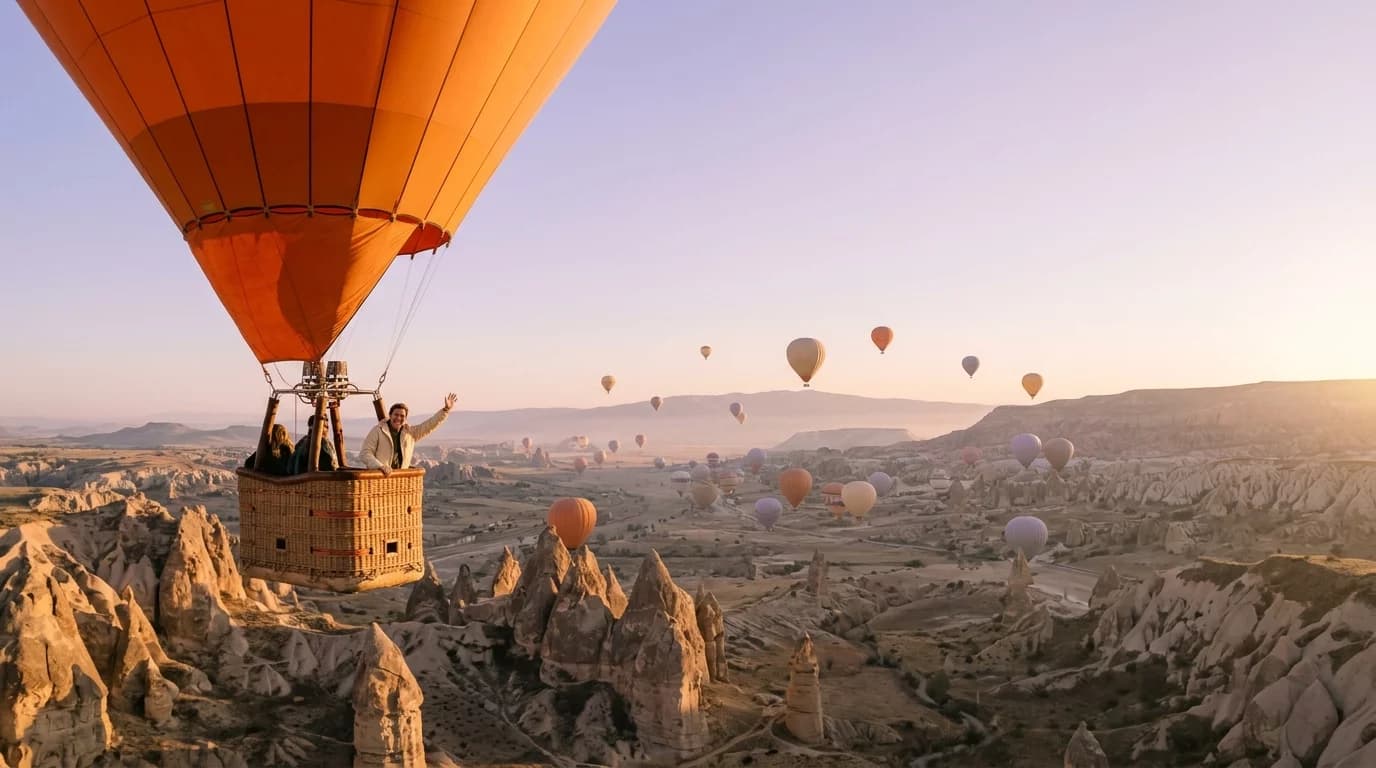
As the frame widens, what appears at the edges continues the same surfaces and light as your photo. A close shot turns into a reveal of the whole scene.
Key Features
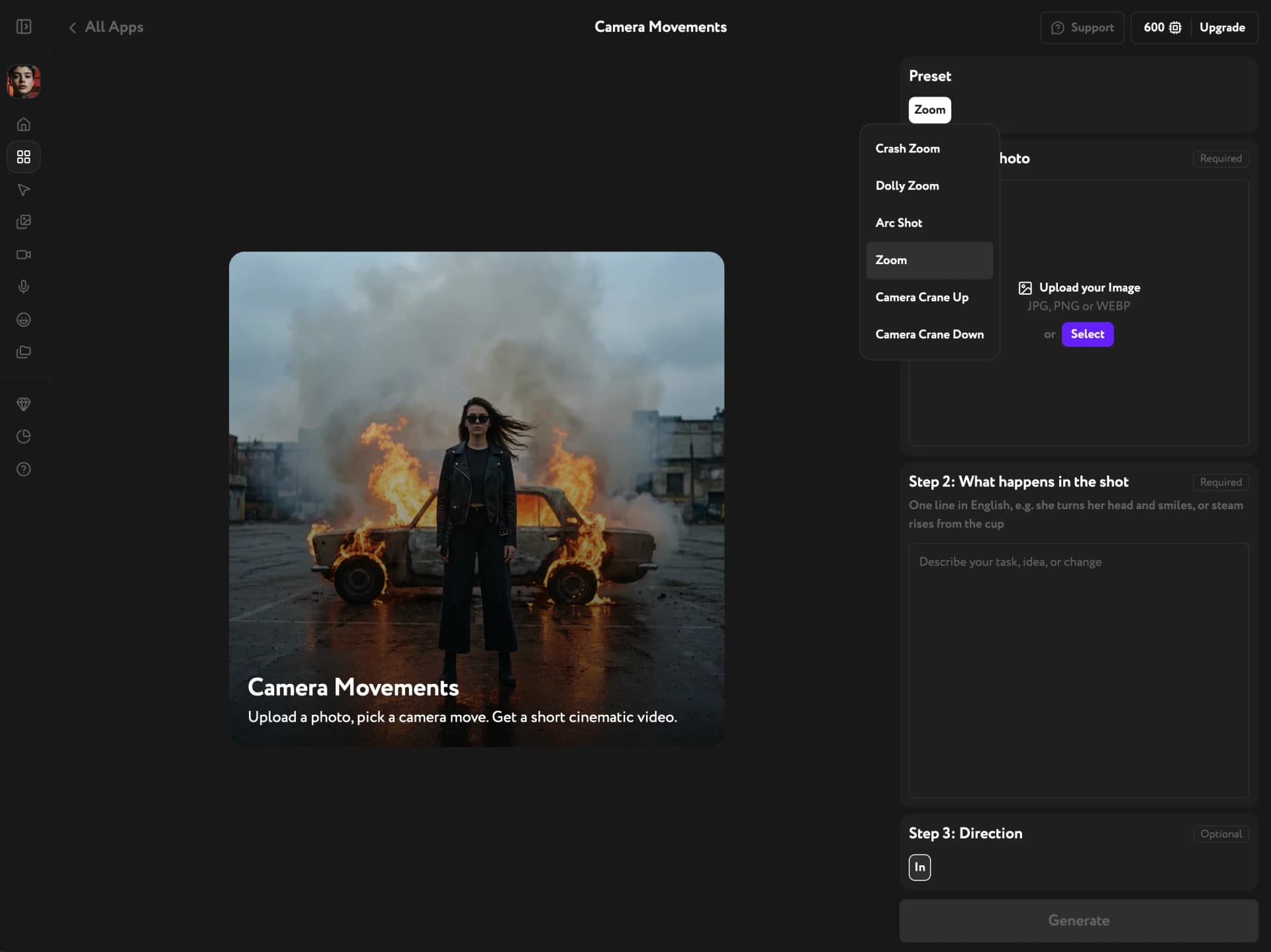
Scene action in plain English, push-in or pull-back, a full set of camera moves in one app
Describe the moment, not the camera
Write one line about what happens in the frame: she turns her head and smiles, steam rises from the cup. The action plays out while the camera moves in or back.
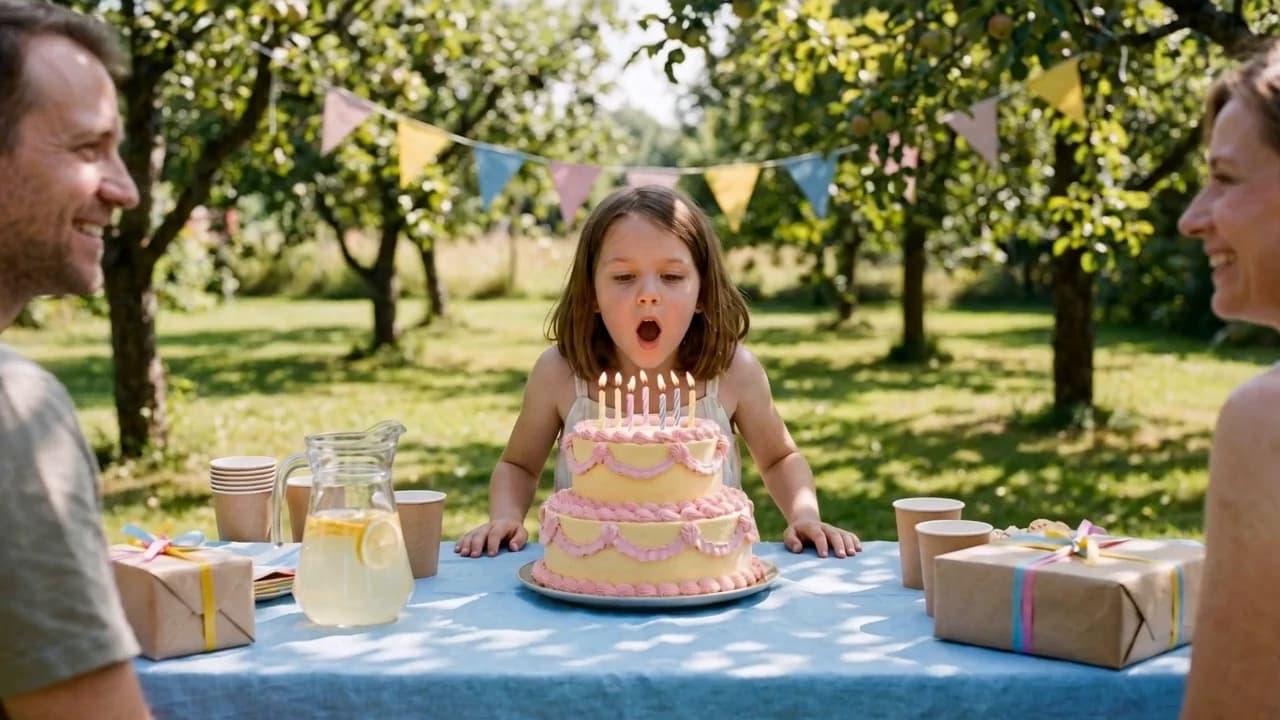
In or Out, one switch
Push in to build tension or land on a detail. Pull back to show where your subject really is. Run the same photo both ways and cut the reveal against its answer.
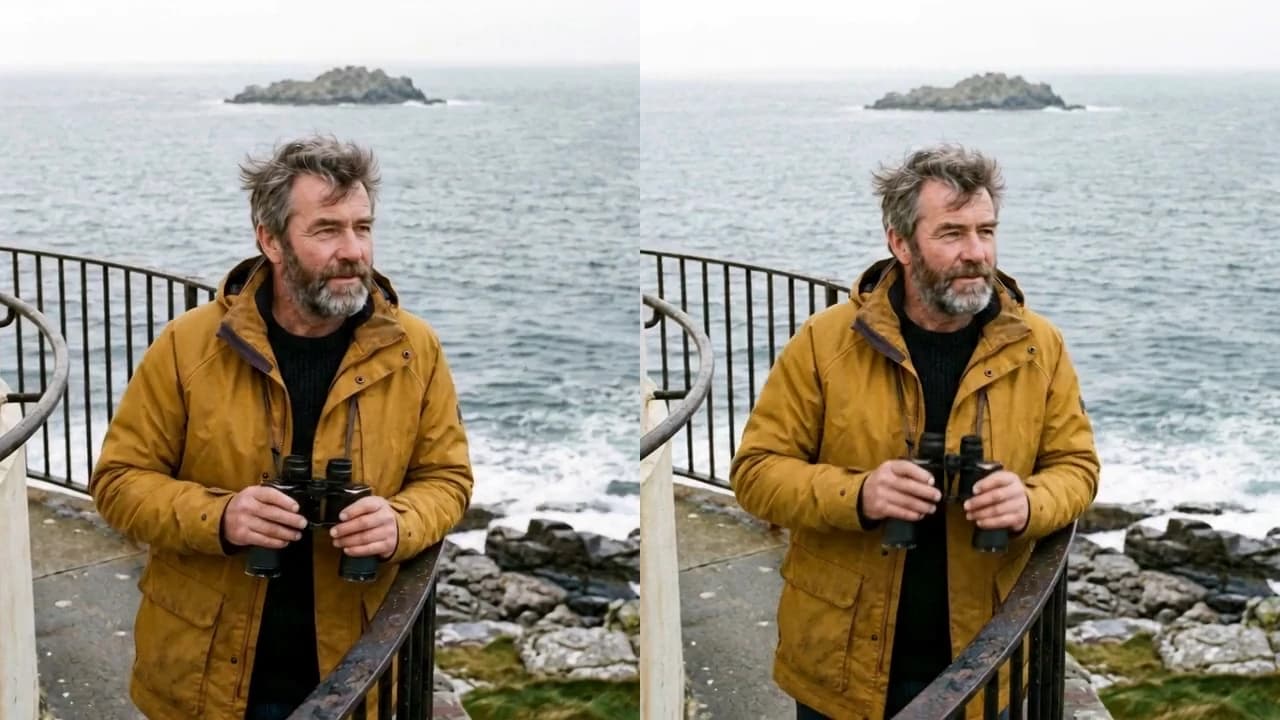
One app, a set of camera moves
Zoom lives in Camera Movements next to Crash Zoom, Dolly Zoom, Arc Shot, Camera Crane Up and Camera Crane Down. Keep the same photo, switch the preset, and generate a different move.
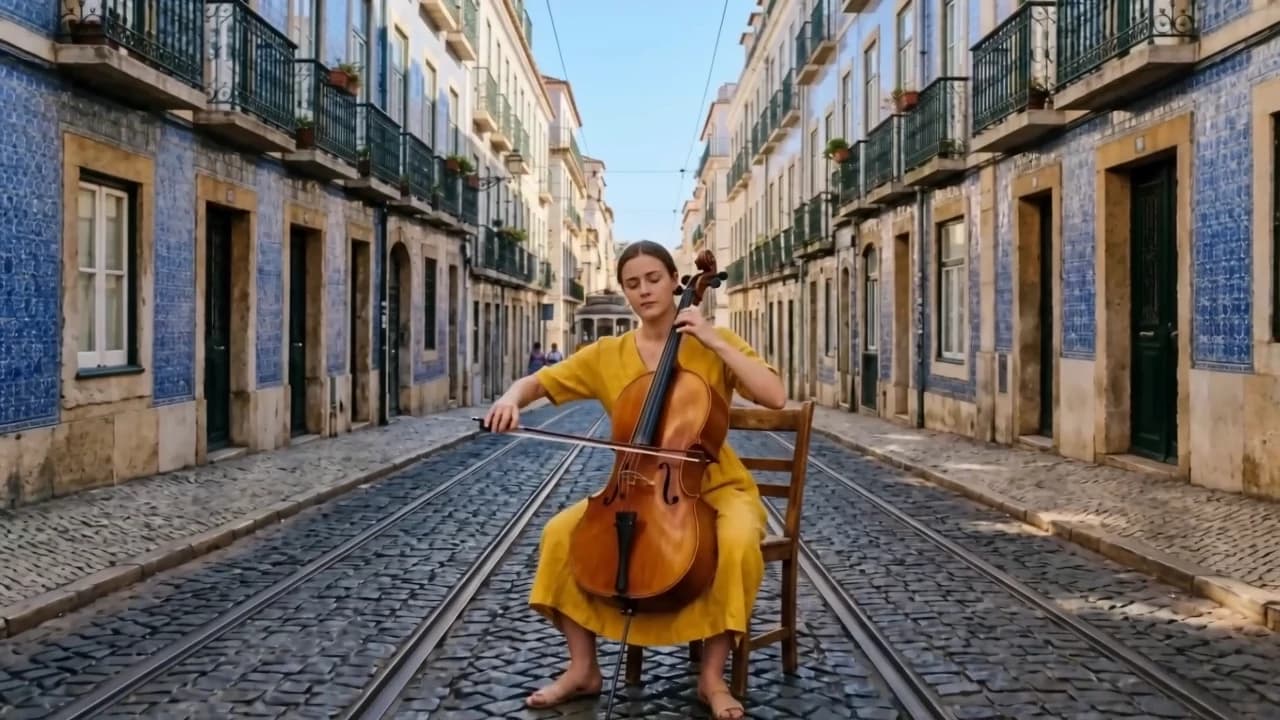
Get closer or step back
One photo, one line about the moment — and a finished camera move, in or out.
Try other apps
More tools to speed up your creative workflow.