
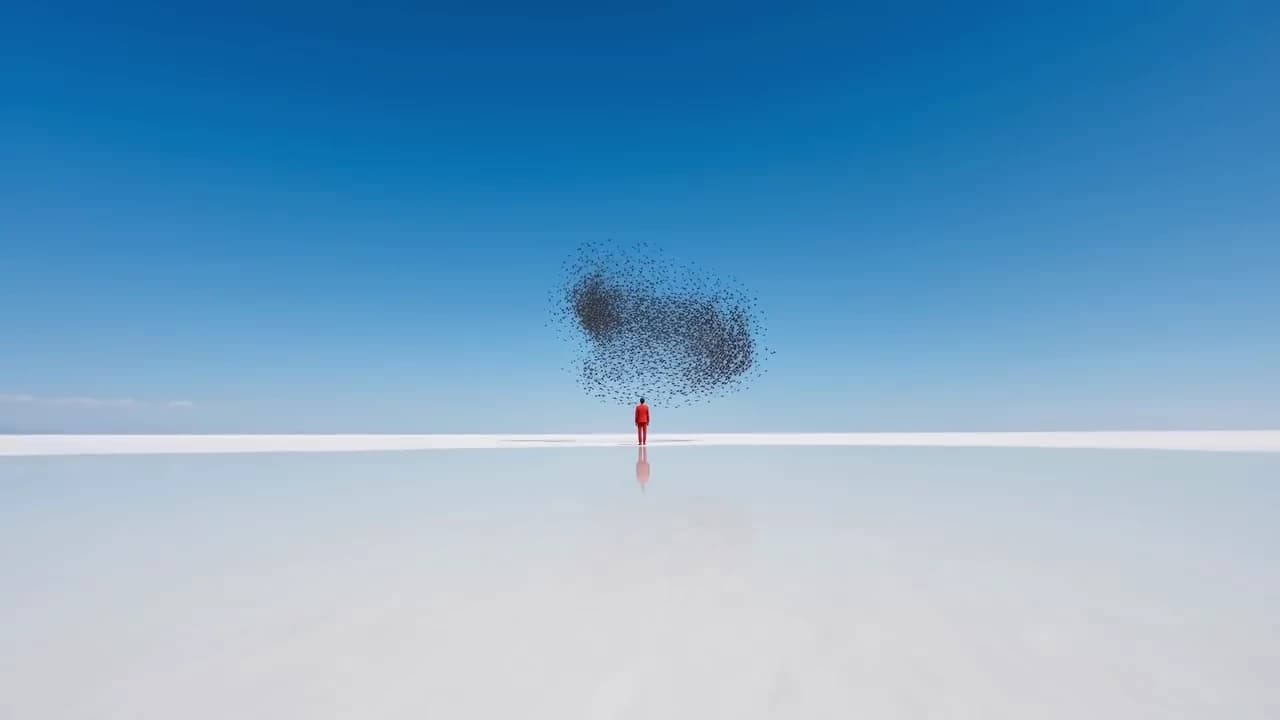
Your route, your shot, no crew
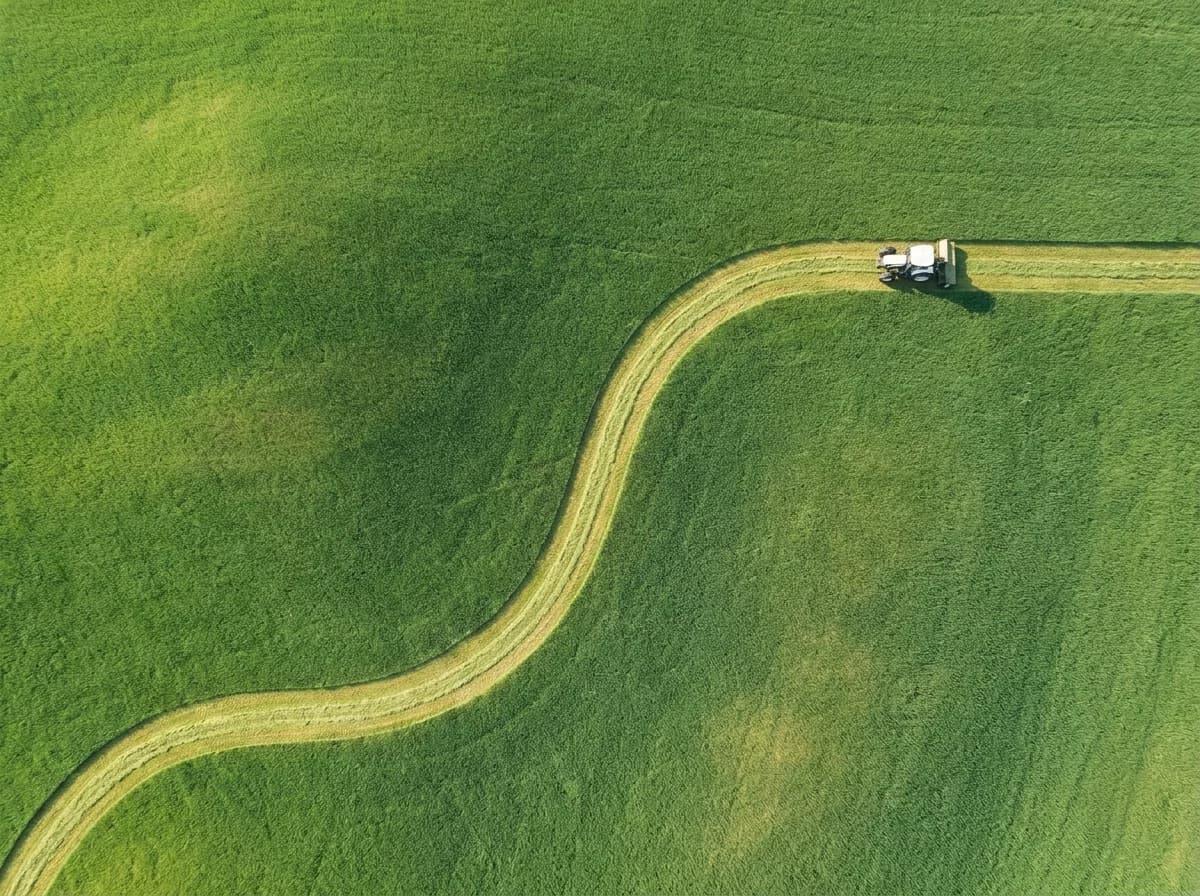
Draw the move instead of describing it
A camera flight is hard to put into words, and a prompt can only hint at it. Here you trace the exact route on your picture, so the shot goes where you pointed.
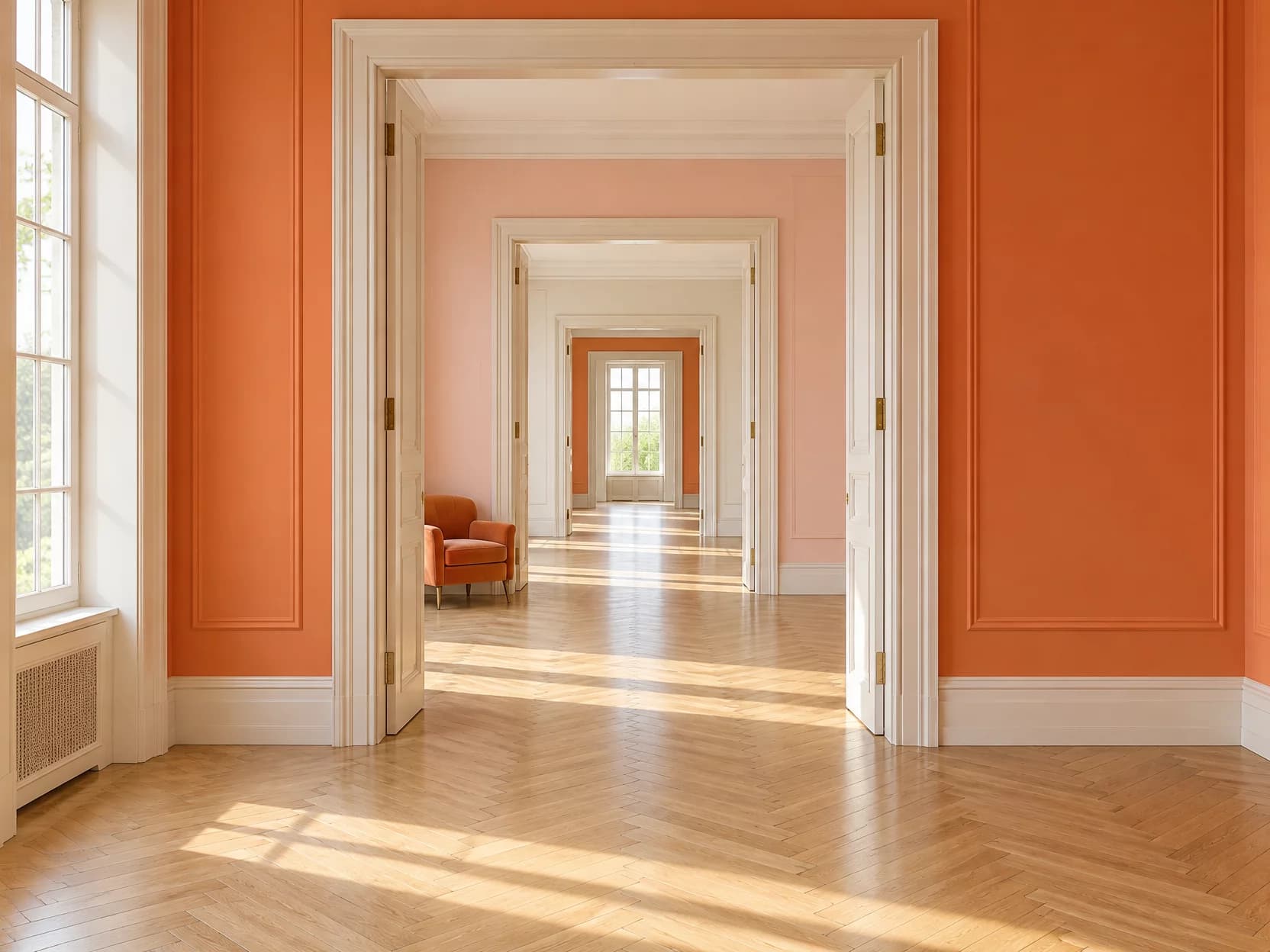
Any place becomes a location
A photo from a trip, a building render, an AI-generated world. If you have a picture of a place, you can fly through it.
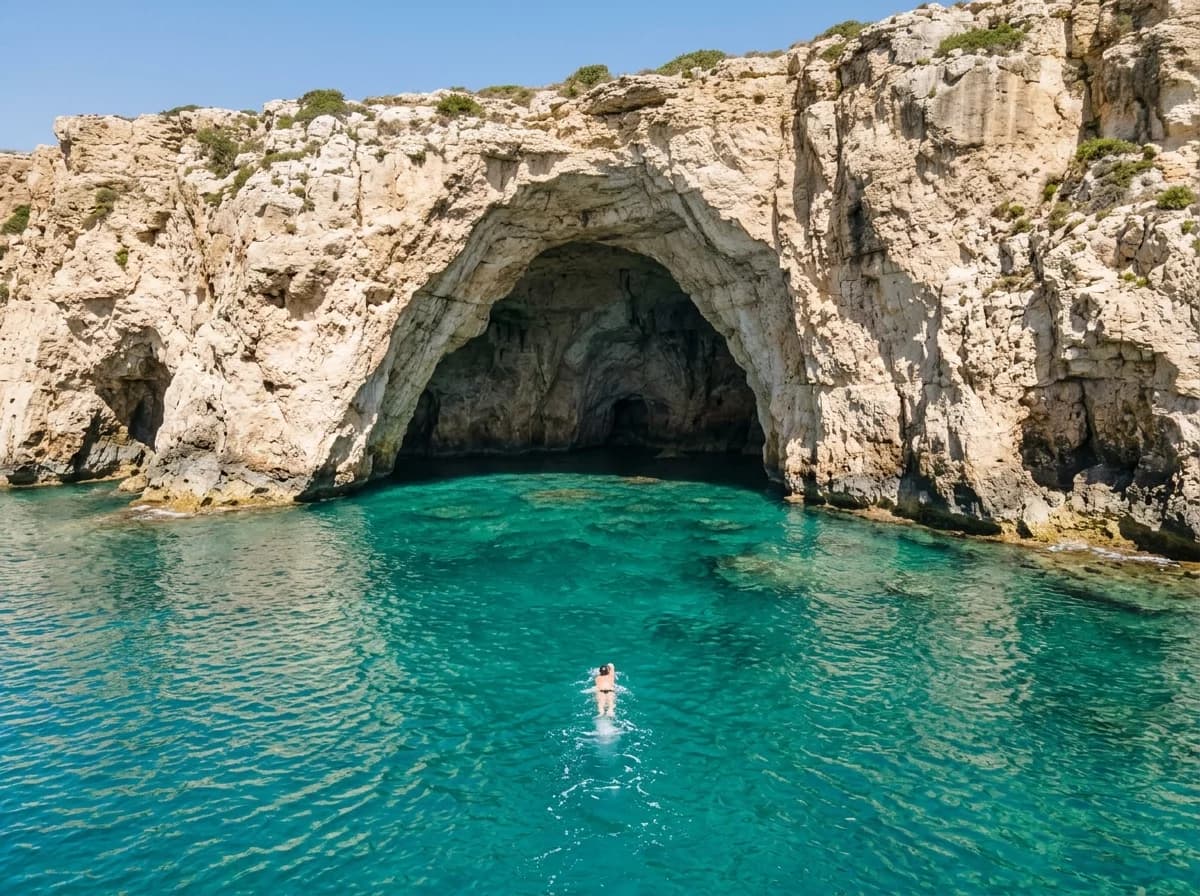
An aerial shot without the drone
No pilot, no permits, no waiting for the weather. Open a film, reveal a location or tour a space from the picture you already have.
Key Features
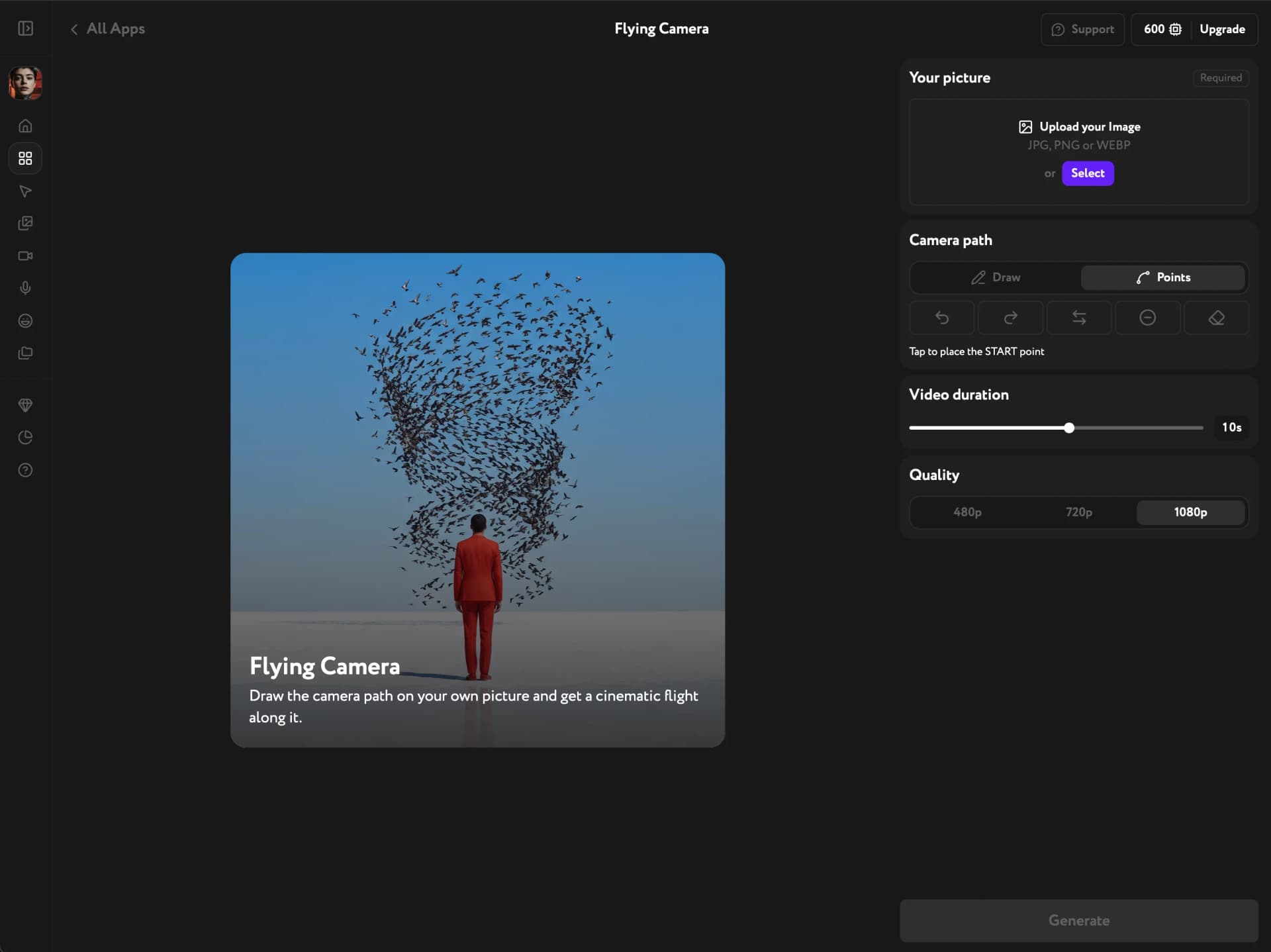
Freehand or precise routing, clips from 4 to 15 seconds, camera and framing set for you
Sketch it or place it point by point
Draw the route in one stroke, then switch to Points to refine it. Click the line to add a point, drag to move it, double-click to remove it, and the path stays smooth.
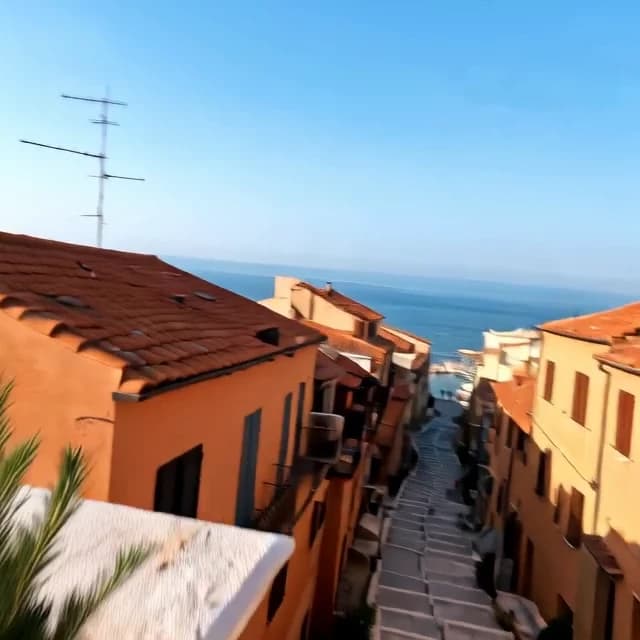
From a quick reveal to a long flight
Set any length from 4 to 15 seconds and choose 480p, 720p or 1080p. Test a route at low quality, then run the final at full resolution.
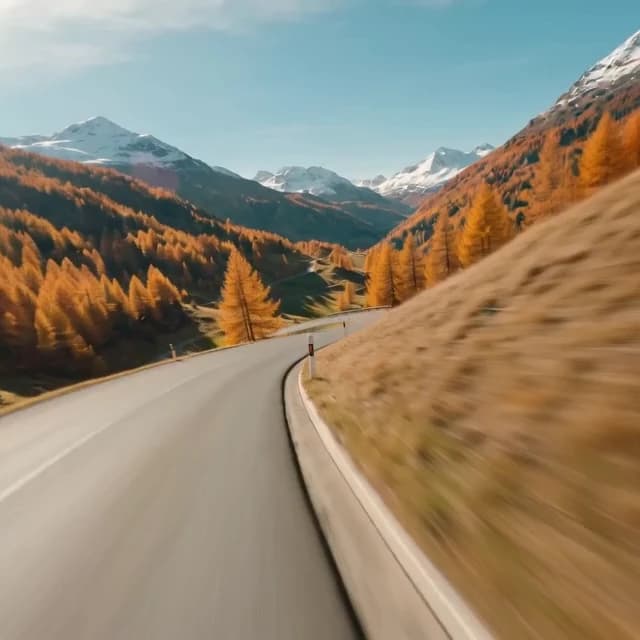
The camera work is handled
Start, end and direction arrows follow your line as you edit it. The app picks the camera type and matches the frame to your picture, so there is nothing else to set.
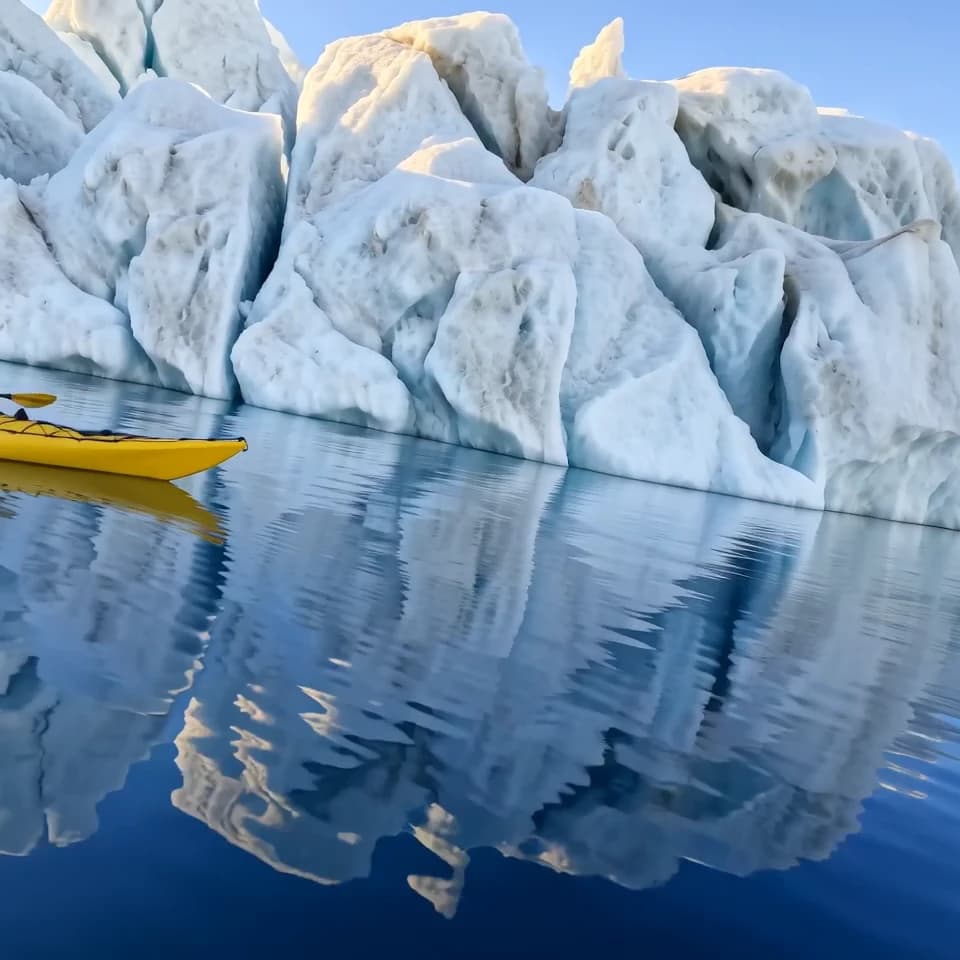
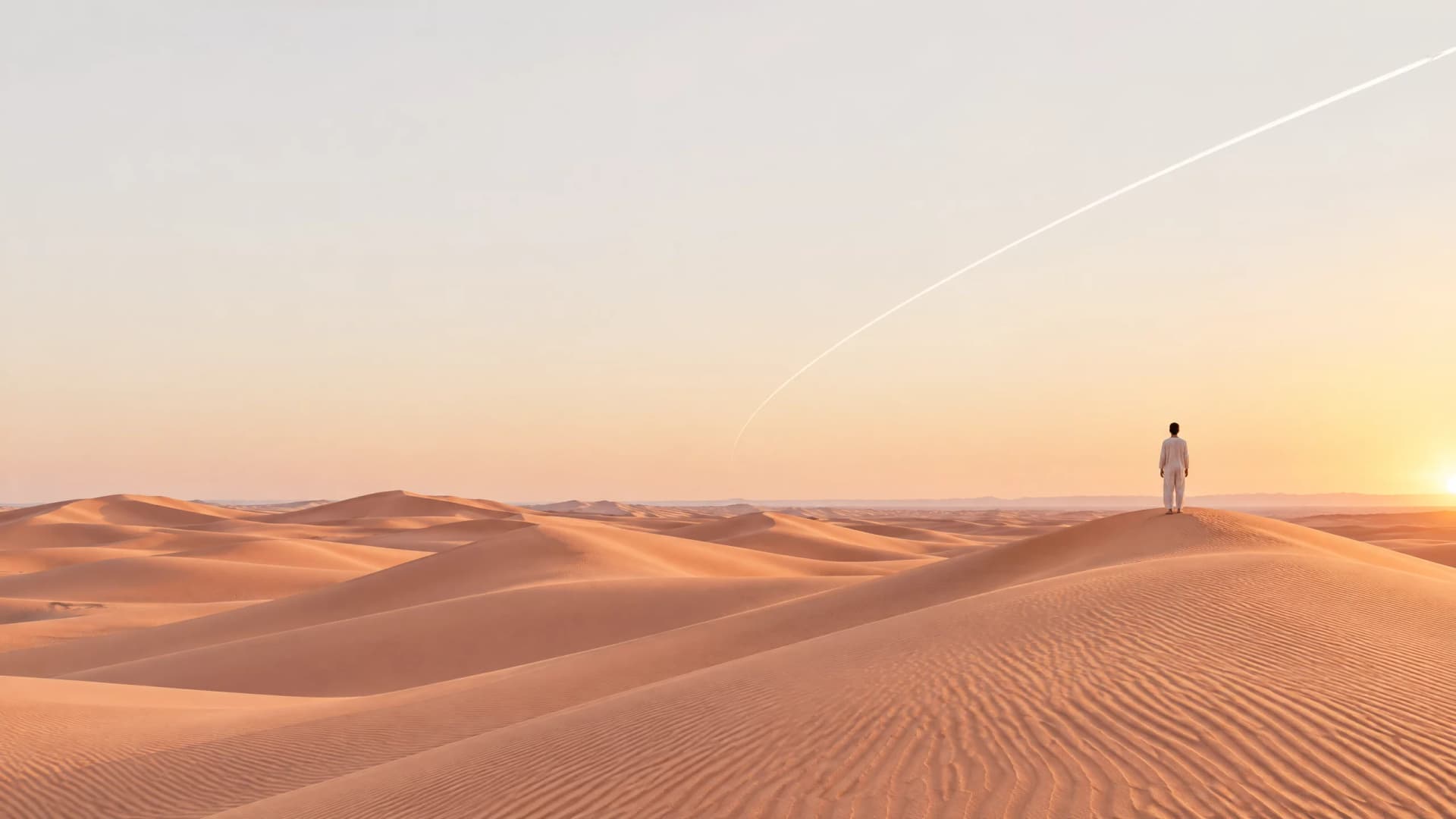
Your picture has a flight in it
One image, one line, and a cinematic shot along the route you drew.
Try other apps
More tools to speed up your creative workflow.