Generate
You know exactly what you want.
Write the prompt, pick the model and set every parameter yourself.
Try it in
- Video
- Image
- Voice
- Lip Sync

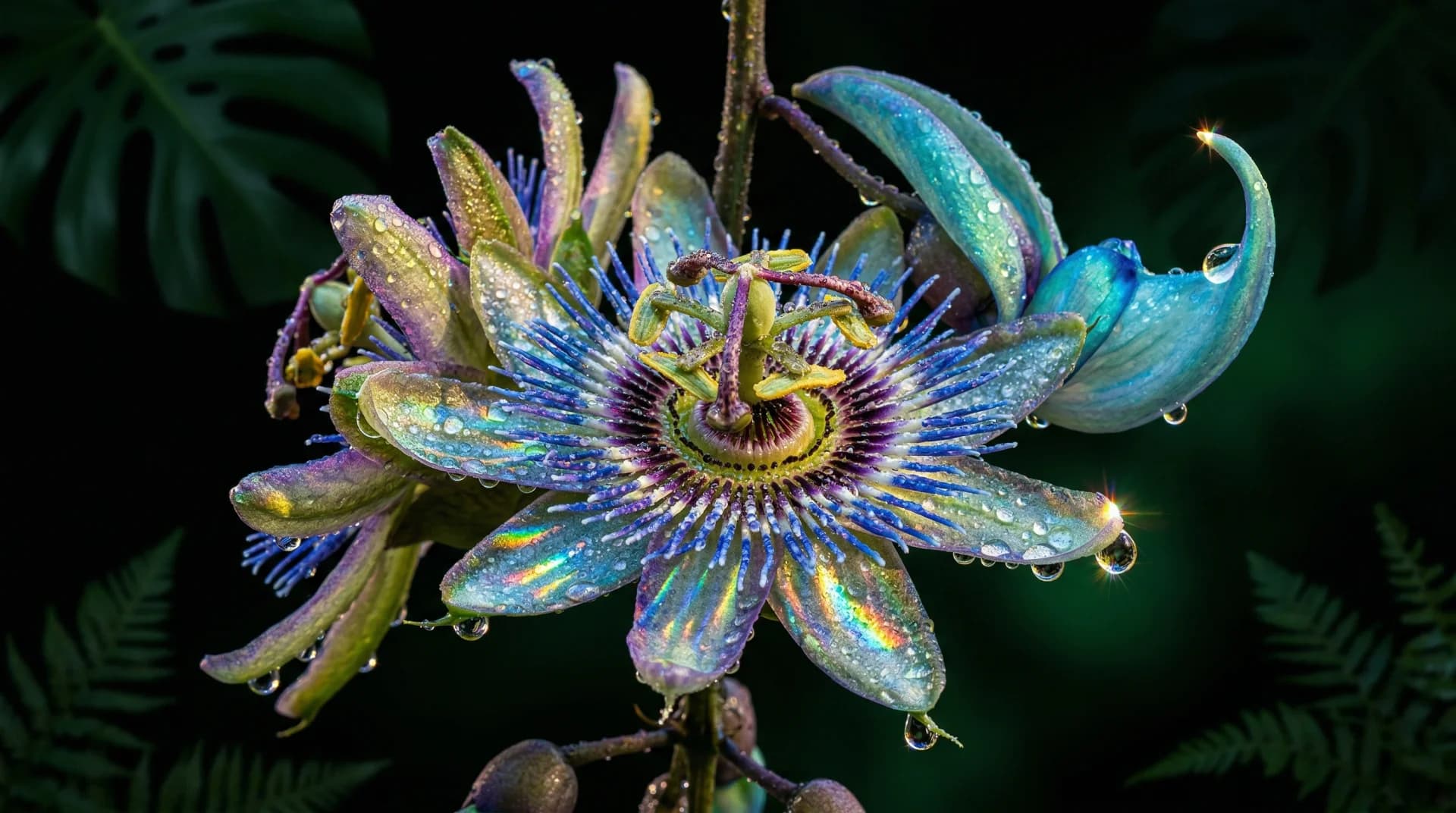
Image
A stable visual foundation for every shot. Start here: image to video gives steadier results than text alone.
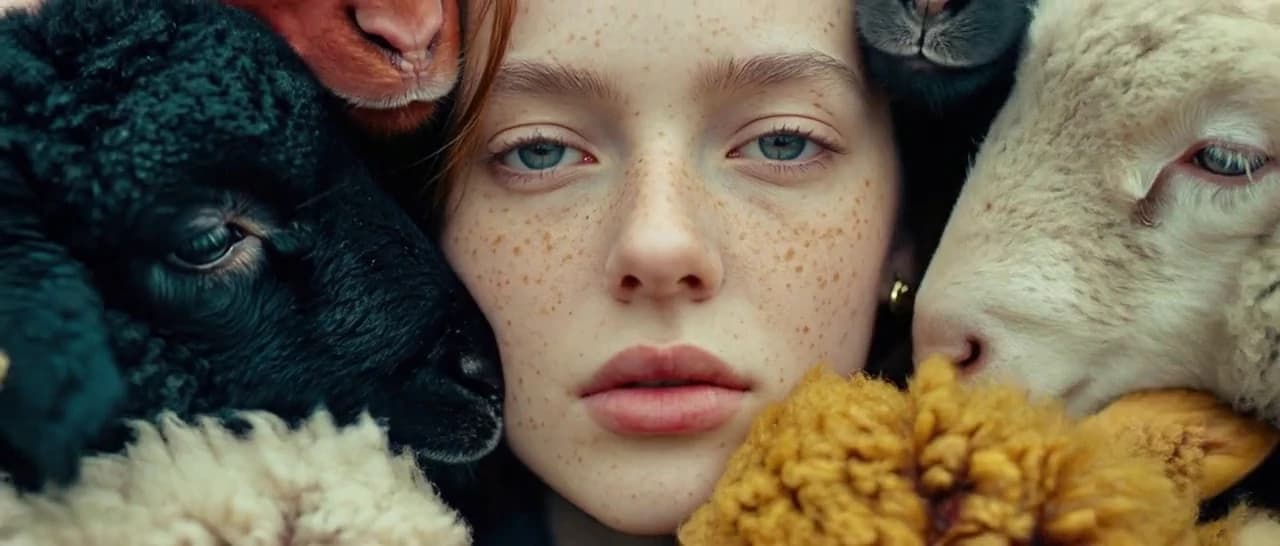
Video
Bring the frame to life — or start from text — on the video models that passed our tests.
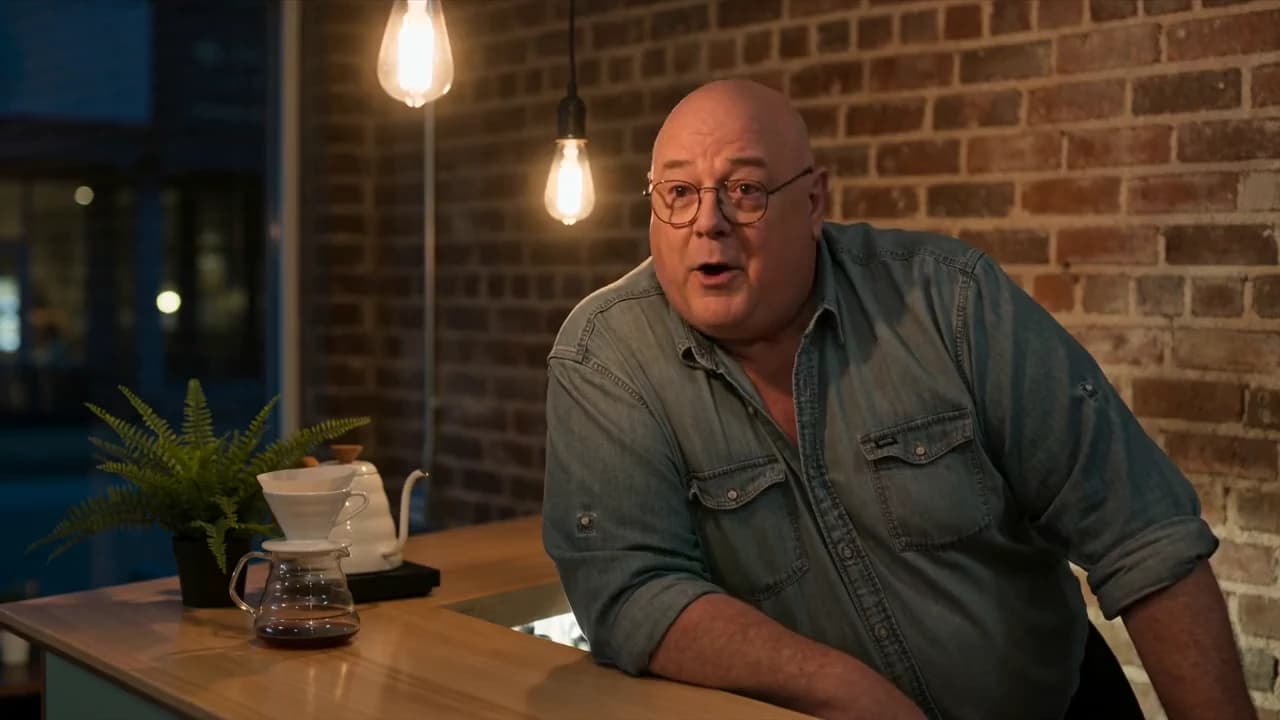
Lip Sync
Make any face speak the audio, in any language.
Video, image, voice and lip sync in one workspace. Generate by prompt, hand the task to the agent, build a workflow or run an app — every way runs on models that passed our tests, and the agent works with Skills from our own production team.
Pick the way that fits the task. Switch any time.
You know exactly what you want.
Write the prompt, pick the model and set every parameter yourself.
Try it in
You know the result, not the steps.
Describe the goal in plain words — a product ad, a social clip. The agent plans the steps with Skills, picks the models and runs them.
Try it in

The job repeats.
Build a production chain once — any models, any steps — and run it on every new brief.
Try it in
The task is small.
Ready-made tools for one job — a camera move, an upscale, a face swap — with the model already picked.
Try it in
Whichever way you work, the same layer does the job underneath. We produce commercial video ourselves, so nothing reaches your workspace until it holds up on real production tasks.
Every model is stress-tested by Everypixel Research Lab against real production demands — cinematic lighting, human motion, prompt adherence. For each task, you get the model that performed best.
Ready-made sequences of steps — tested models, in the right order, with the right settings — for a stable result every time. Built on the recipes of our own production team. The agent uses them to plan and run your task.
Four areas in one workspace. One click sends a result to the next step — an image becomes a video, then gets a voiceover and lip sync. No exporting, re-uploading or switching tools.
A stable visual foundation for every shot. Start here: image to video gives steadier results than text alone.
Bring the frame to life — or start from text — on the video models that passed our tests.
A voiceover in the right tone — or in your own voice.
Make any face speak the audio, in any language.
One task, one click, the model already picked.
Choose how you work — the testing is already done.