
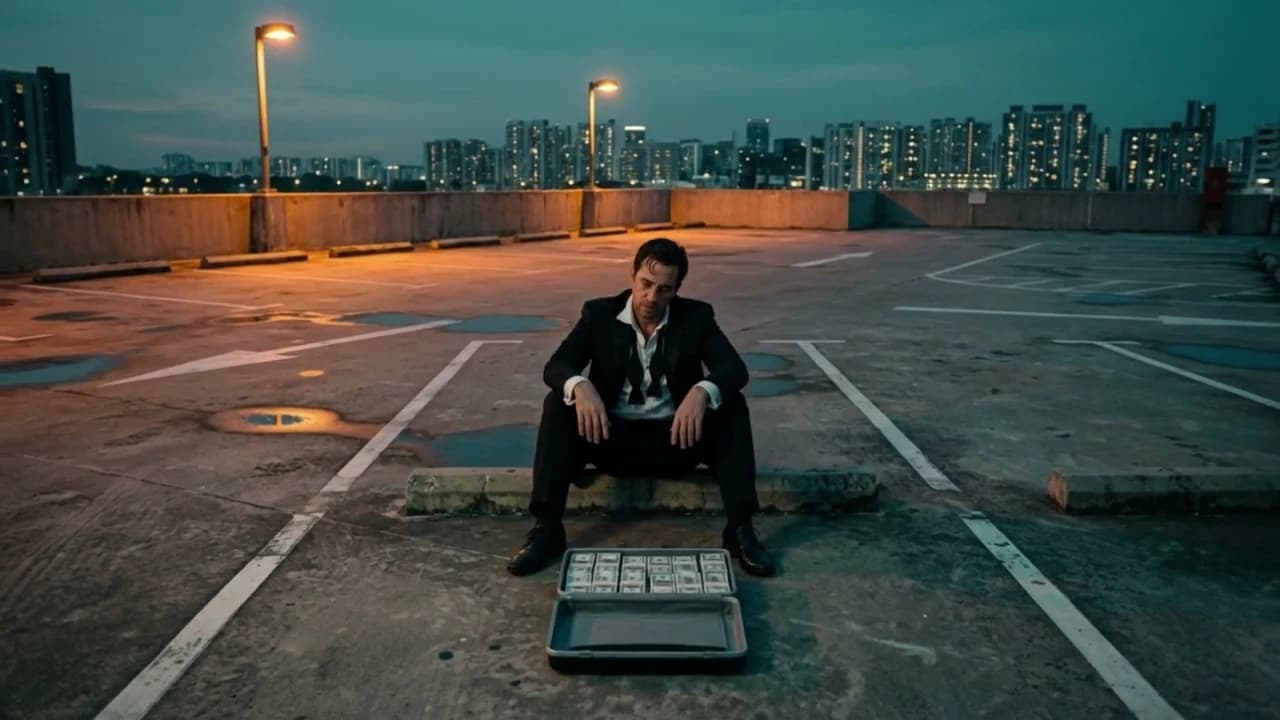
Big-set scale from a single photo
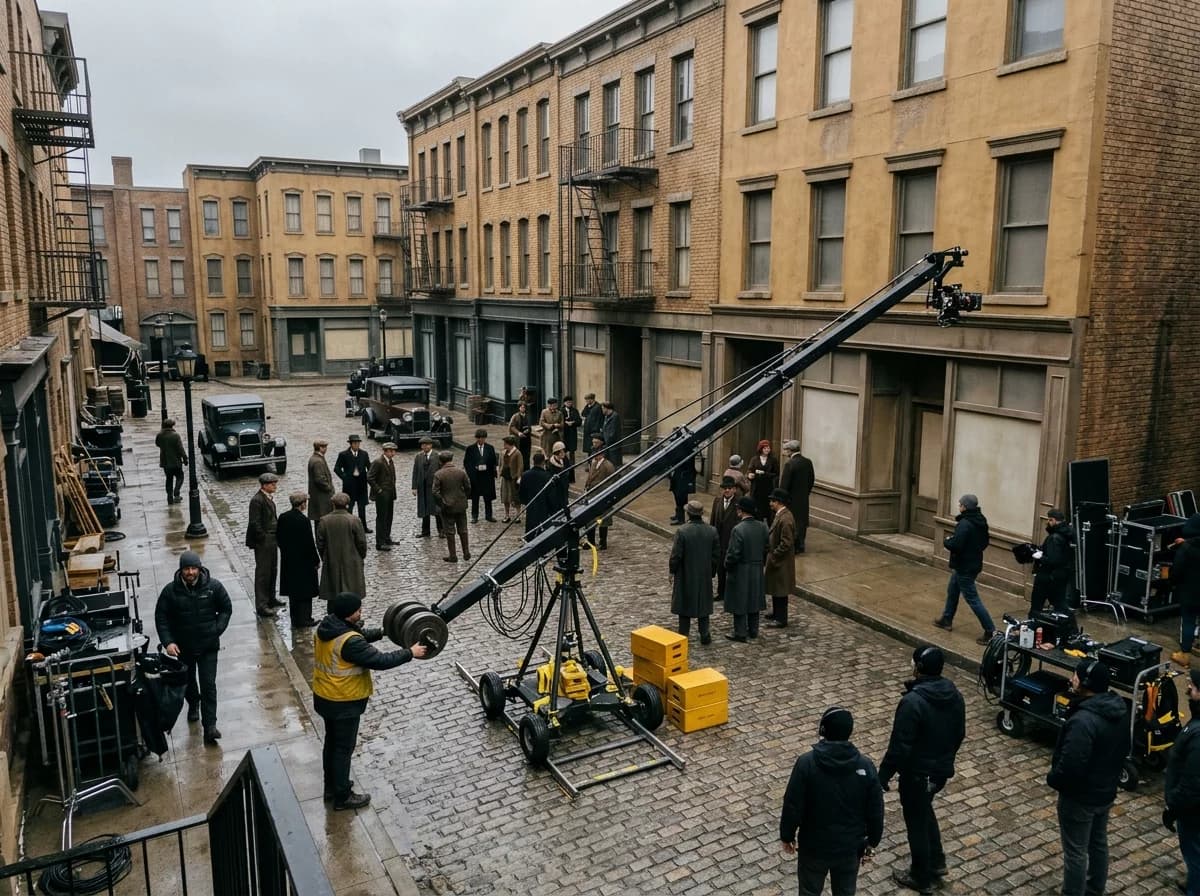
A move that used to need a crane
A real crane shot means a jib, an operator and time on set. Here the camera rises or descends from a still you already have.
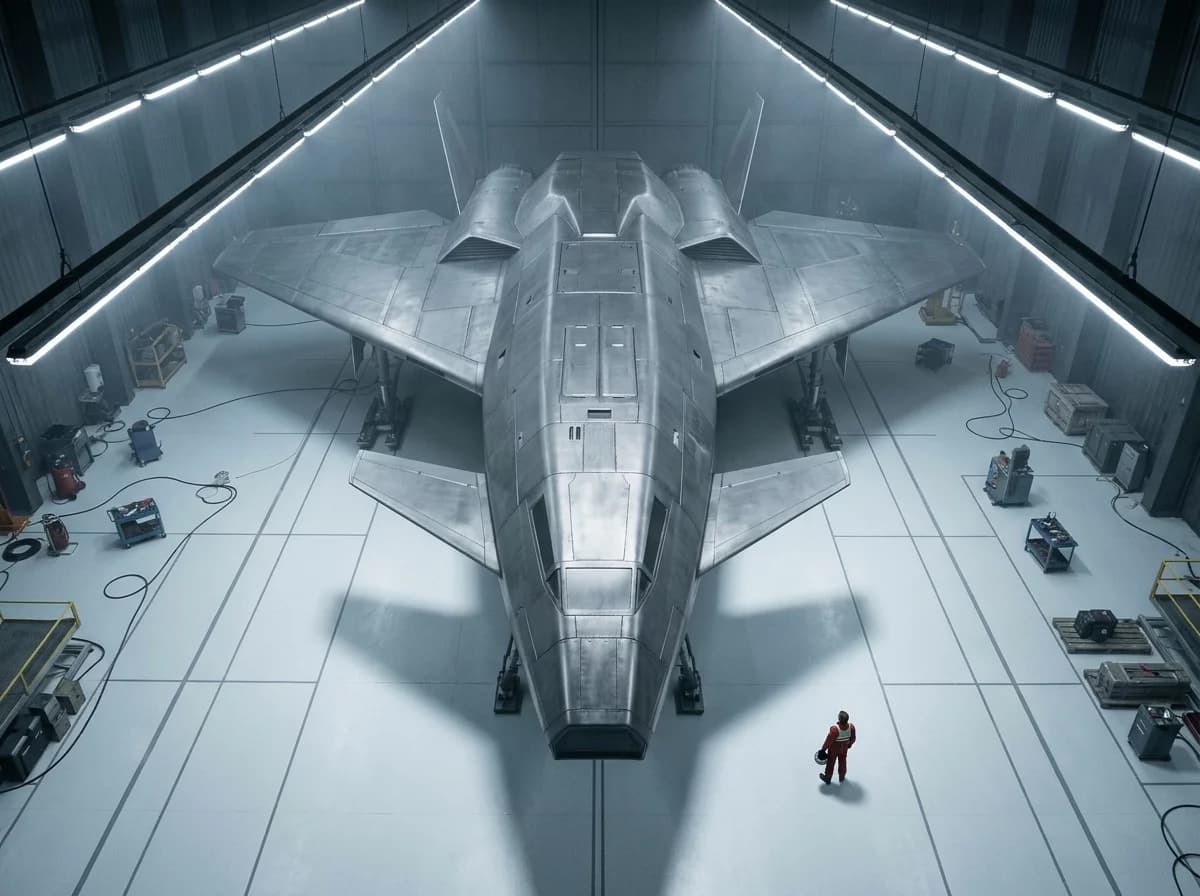
Show the scale your photo can't
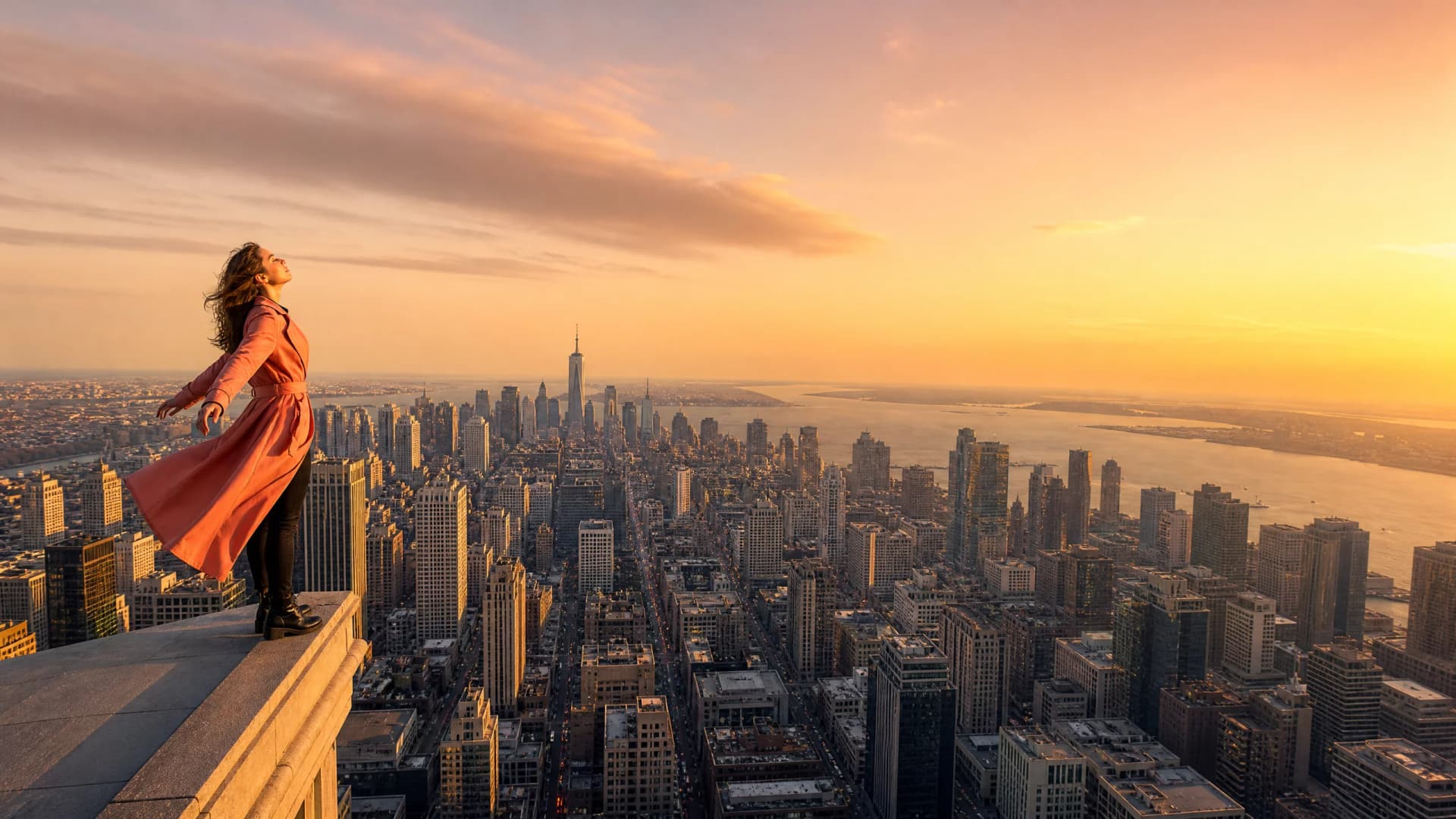
Rising above the subject shows what a ground-level photo never had — the crowd, the street, the pattern of the land around them.
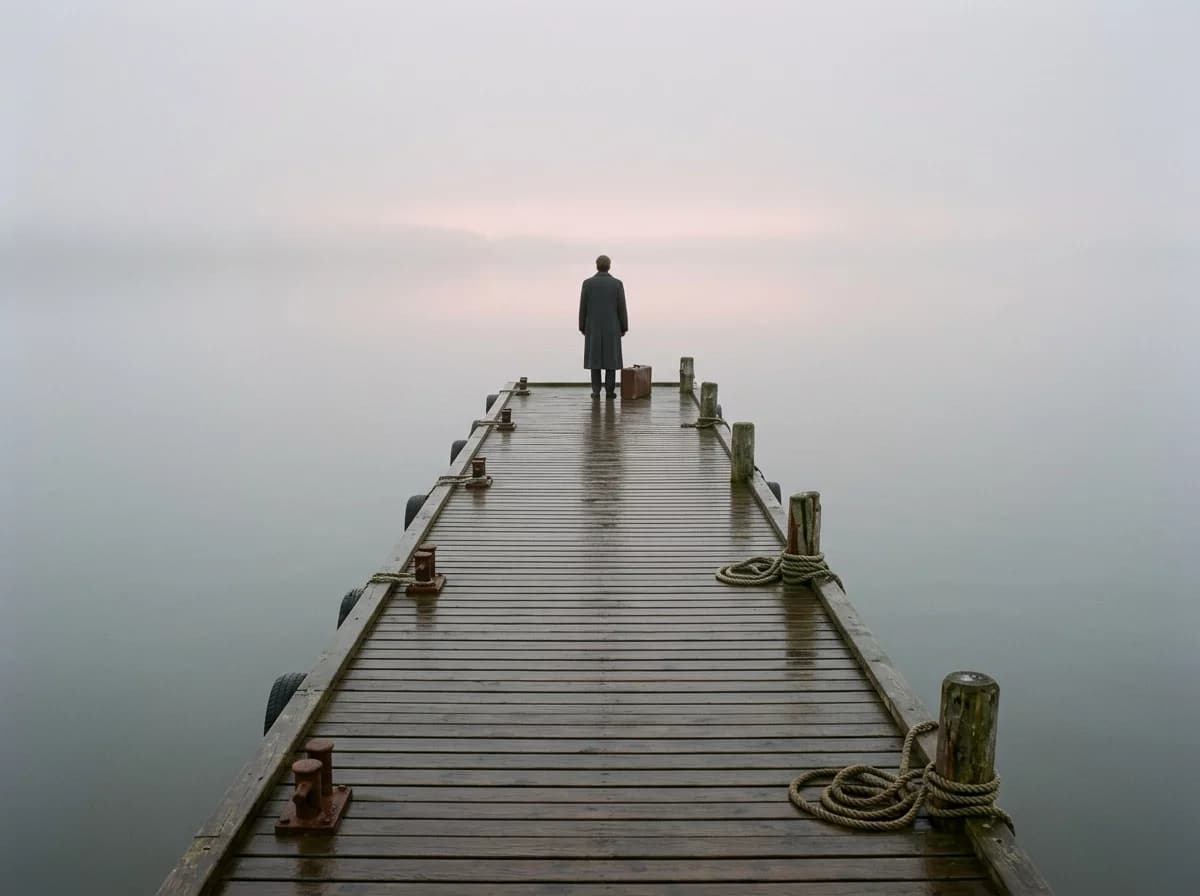
An opening and an ending in one app
Descend to open a scene and bring the viewer to your hero. Rise up to end it and leave them small in a big world.
Key Features
Rising reveals, descending openings, optional action in the scene
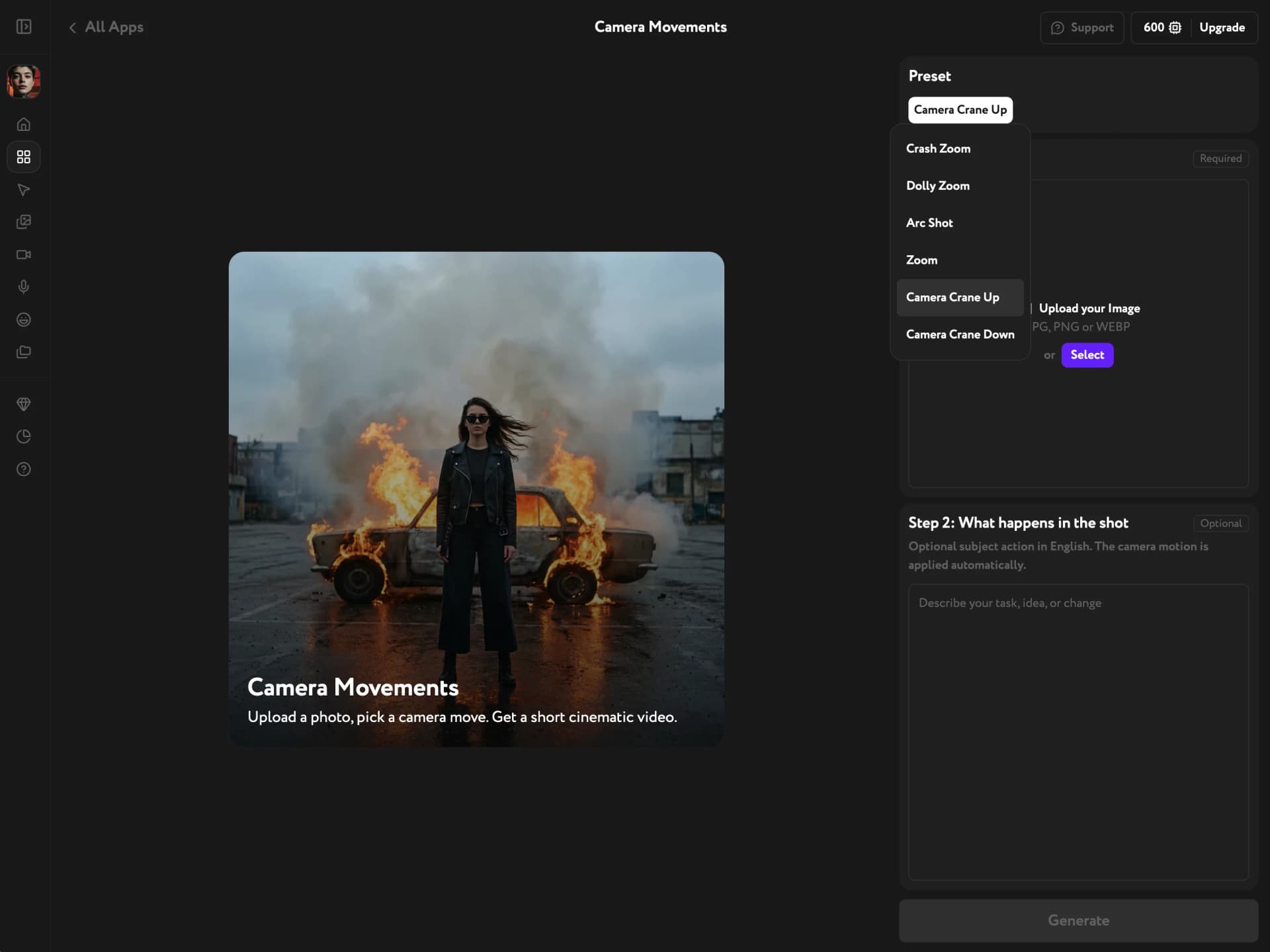
Crane Up: lift off and reveal
Your photo is the first frame. The camera rises smoothly above the subject to a high view of the whole place — a classic ending or a reveal of scale.
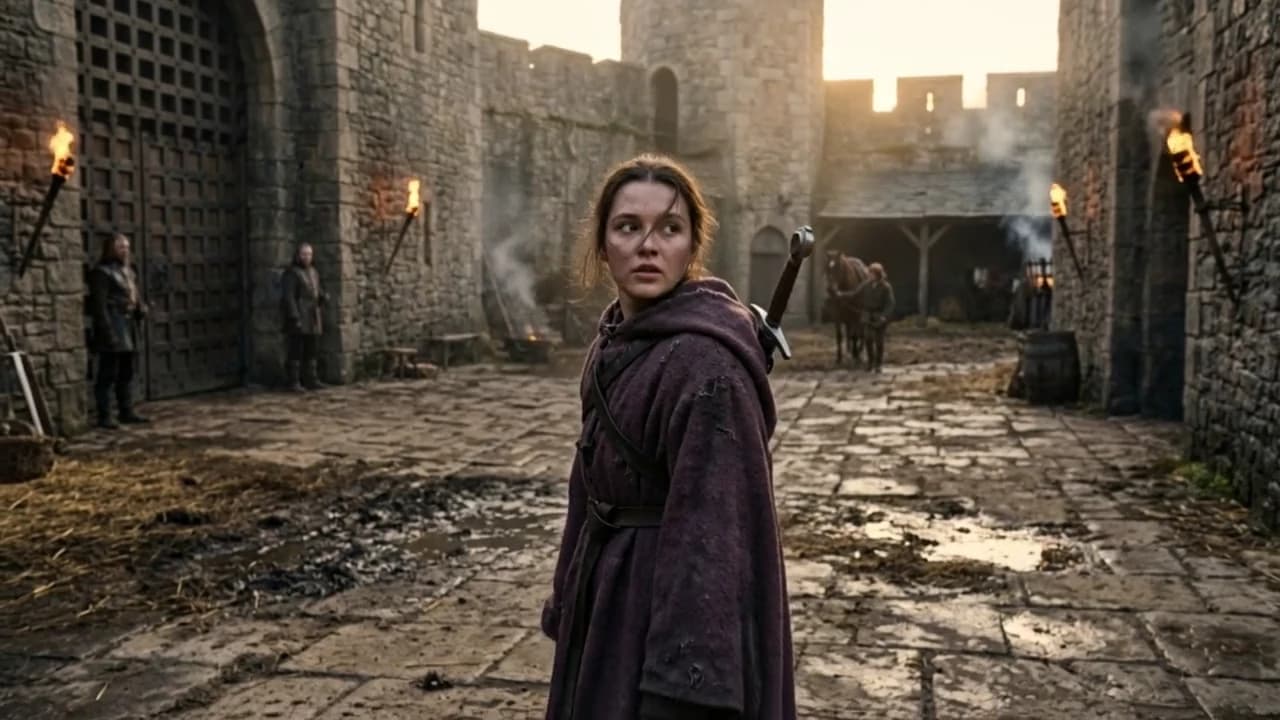
Crane Down: descend into the moment
The shot starts high above the scene and comes down to land on your photo, framed just as you shot it. Use it to open a scene or introduce a character.
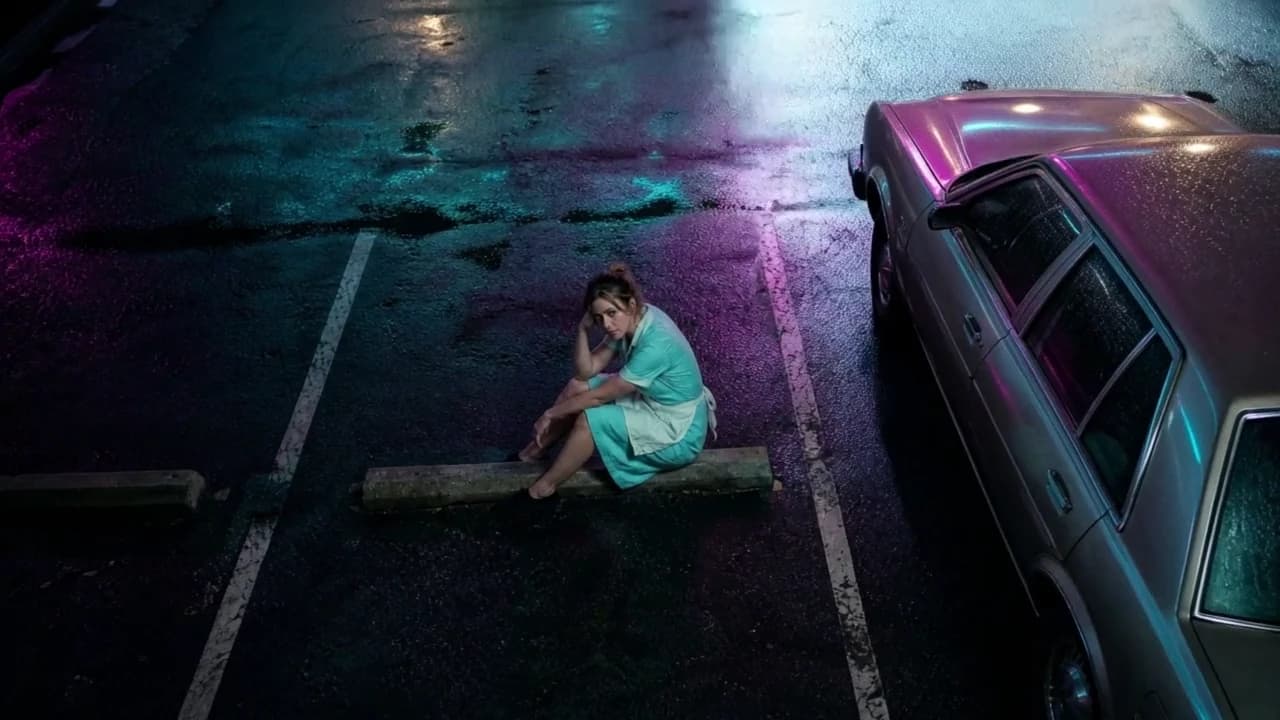
Scene action is optional
Leave the field as it is for subtle natural motion, or add one line in English: she waves, the kids run across the square. The camera move is applied automatically.
Try other apps
More tools to speed up your creative workflow.