MiniMax H3 Turbo40
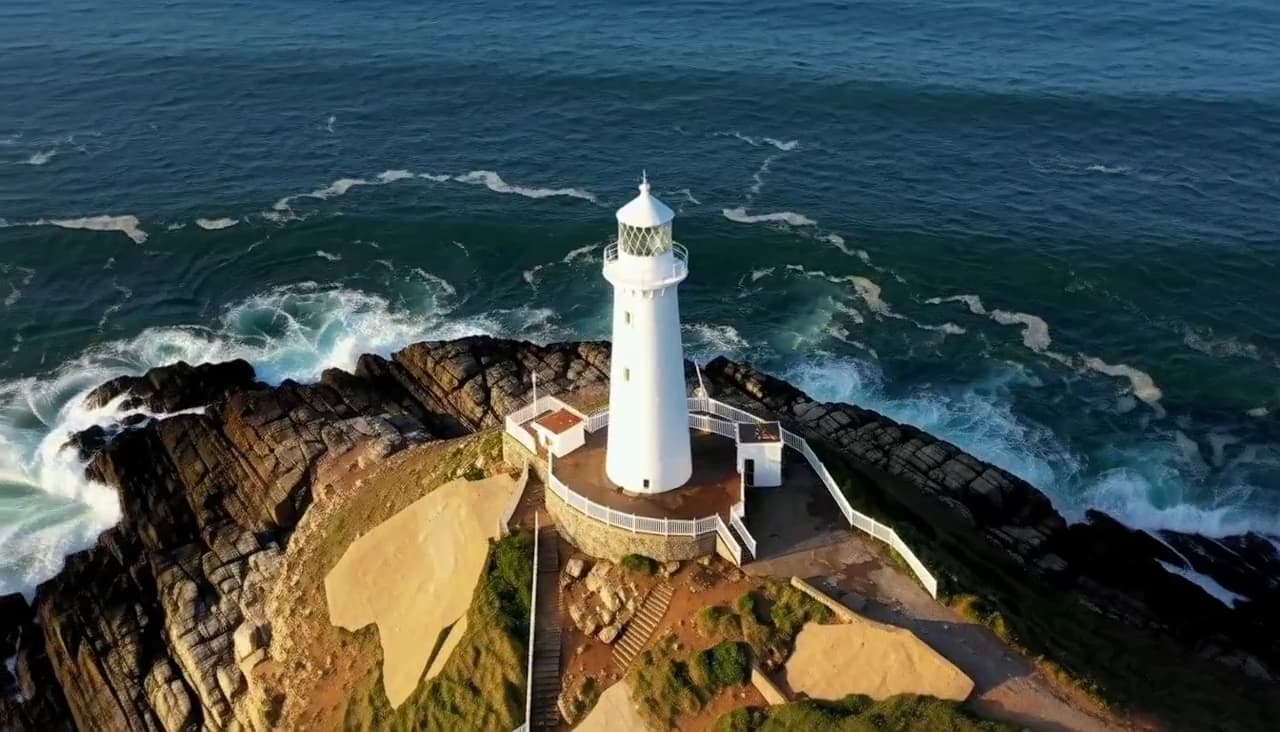
Cinematic video prompts built like film — staged light, an anamorphic feel and a camera that always has a reason to move.
A cinematic video prompt works like a shot description. Name the scene, the light and one camera move, then say what moves in the frame. Our prompts state the move with a duration, such as "Slow crane-down move over 5 seconds" or "Slow push-in over 5 seconds". A vague cinematic camera gives the model nothing to follow. Give the move a reason: it starts when something happens, like a head turn, and stops when the action ends.
Choose between a push-in and a zoom on purpose. A physical push-in shifts near and far objects at different speeds, so the space feels real, while a zoom enlarges everything flatly. Don't keep the subject dead-center for the whole shot. Let it enter, cross or leave the frame. Light it from sources in the scene, like "warm orange practical light", and add a lens cue such as "50mm lens look". For a locked frame, write "Camera is static on a tripod (no movement, no zoom)".