
Elevator Scene Swap: Tom & Candice
Editor's note
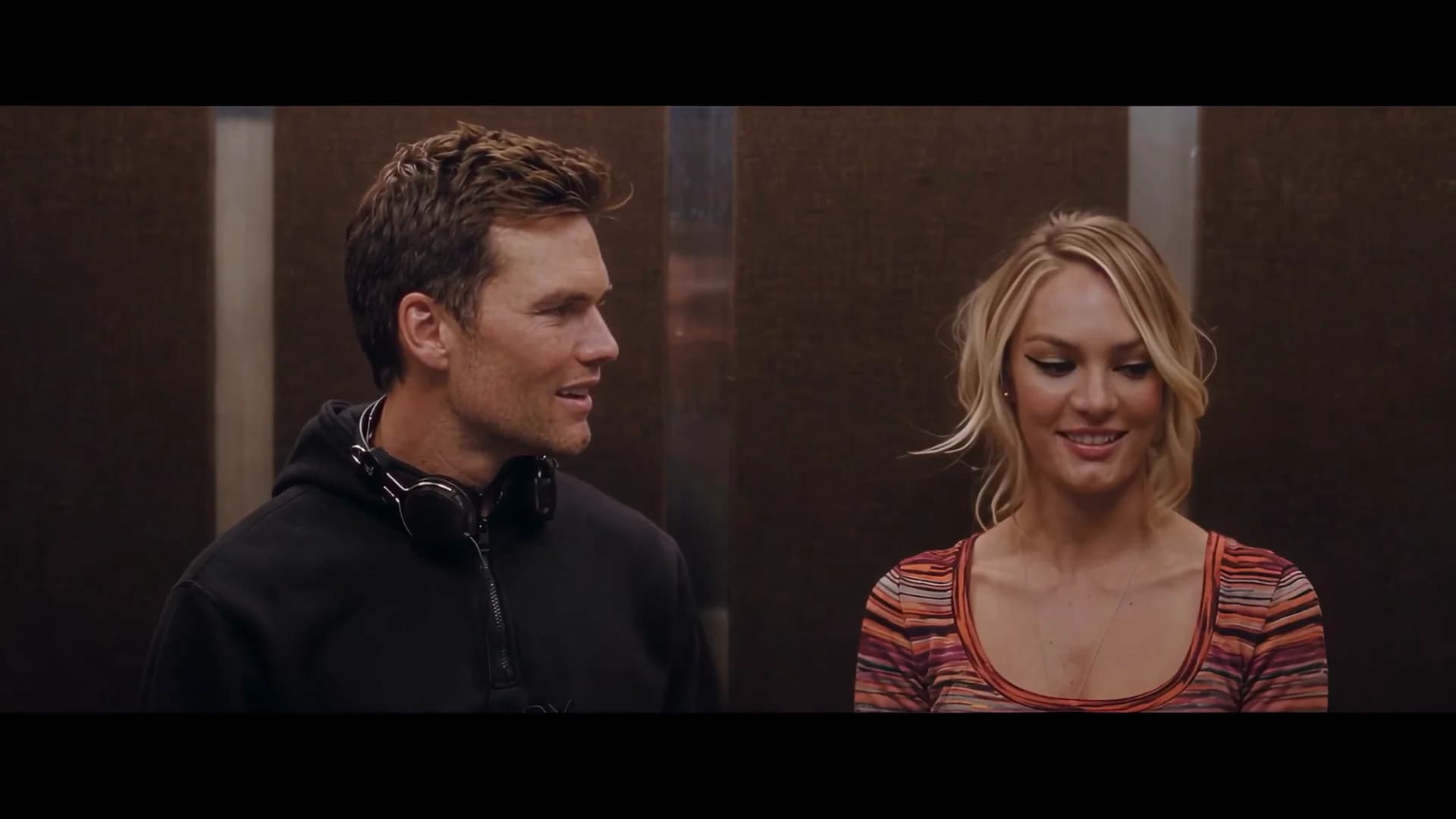
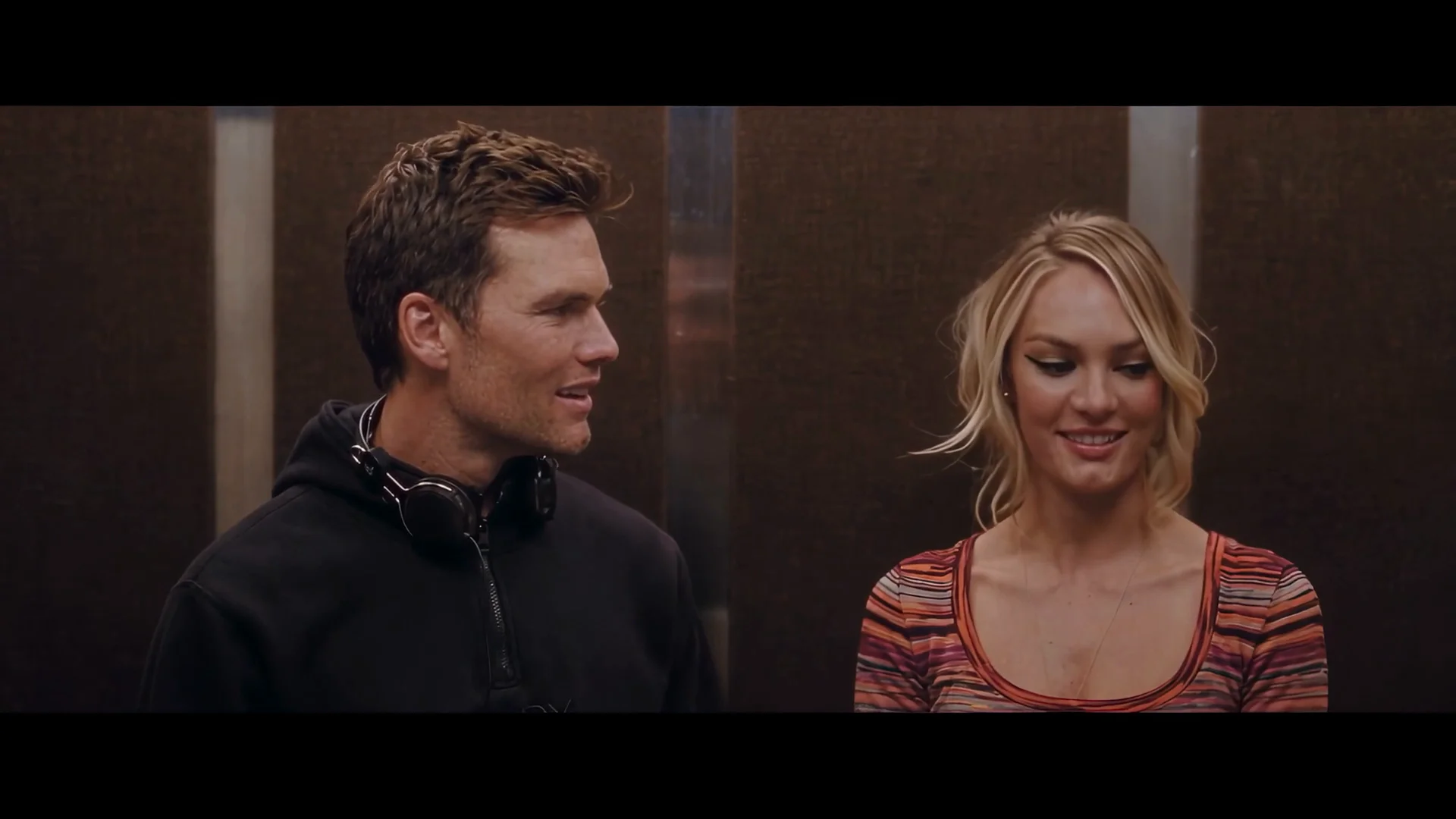
A two-shot elevator scene recast in 12-second runs: the clip keeps every glance, cut and the original sound, two sheets put Tom and Candice in it.
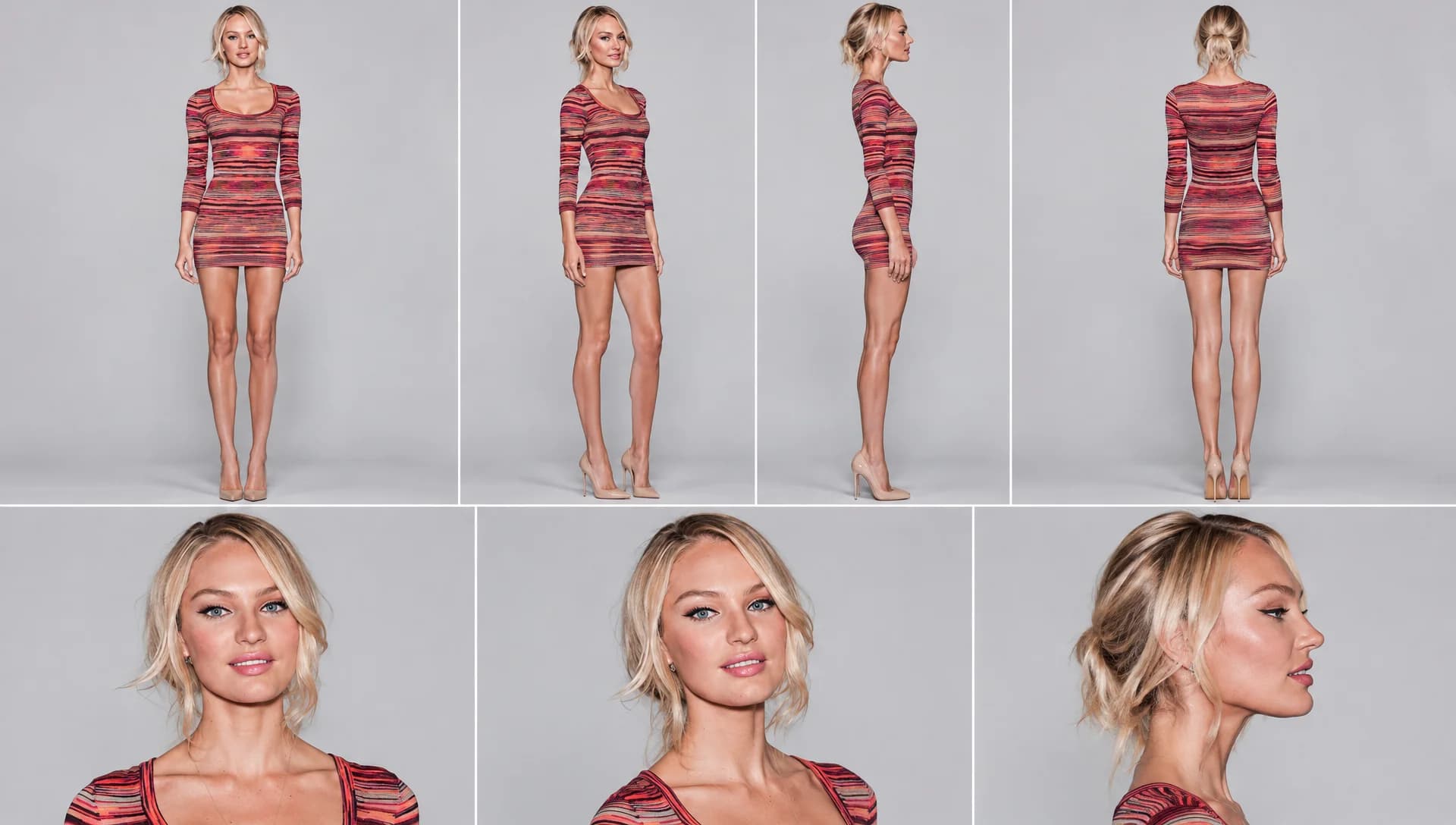
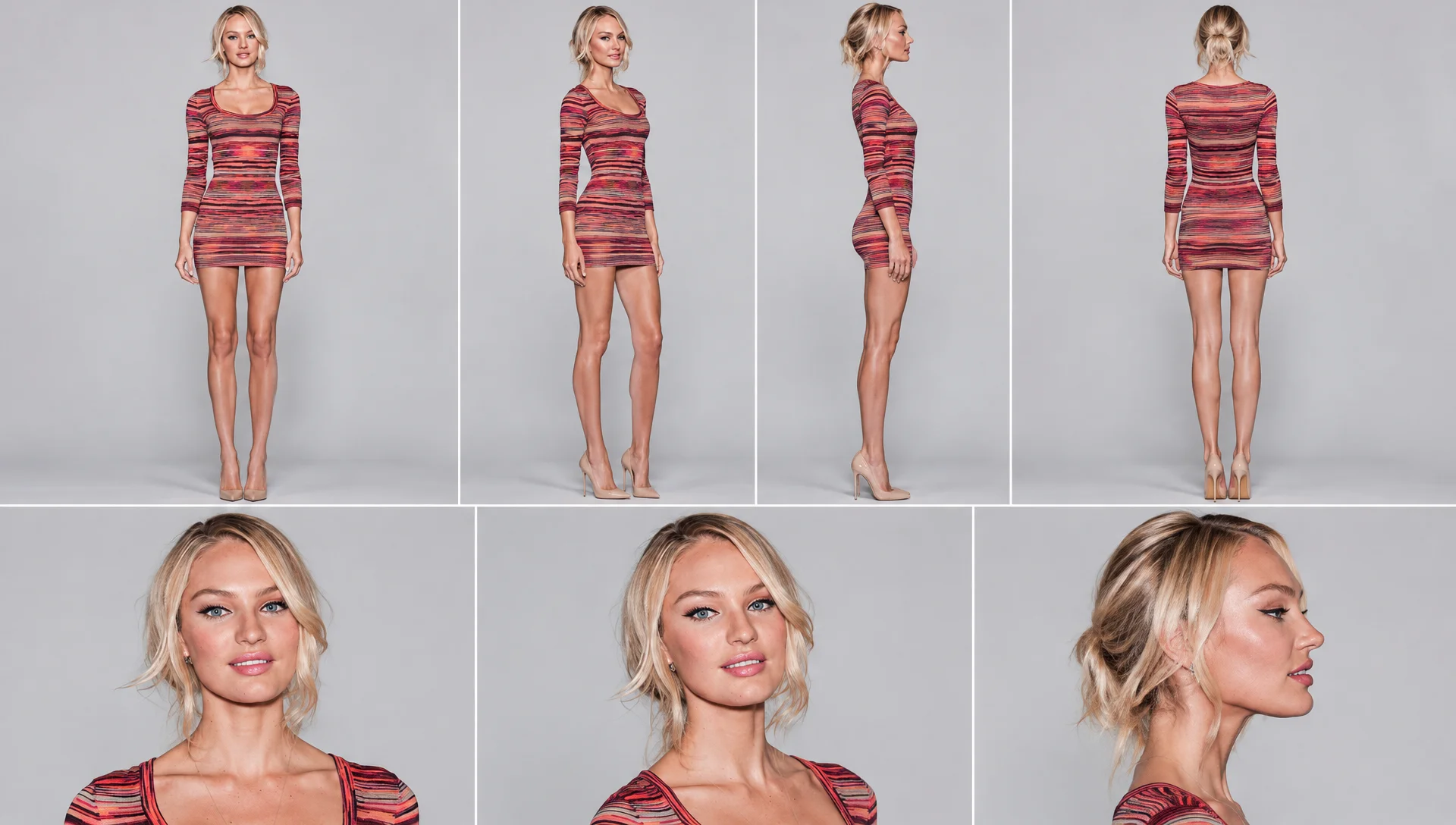
Recreate @Video1 exactly, replacing the first character with the character from @Image1 and the second character with the character from @Image2 in every shot. @Image1 and @Image2 are character sheets showing the same person from several angles — take appearance only (face, hair, skin, build, clothing and shoes), never their background or studio lighting. If a third reference image @Image3 is provided, it is the matching frame of the previous segment — use it only for the characters' positions, framing and identical appearance at the seam, and do NOT take color, brightness or lighting from it. The color grade and lighting must match @Video1 exactly in every shot. Remove the original characters' clothing and accessories, with one exception: the character from @Image1 keeps the black over-ear headphones from @Video1 in every shot, with the same design, position and movement as in @Video1 at each moment (on the ears when they are on the ears in @Video1, around the neck when they are around the neck). NO bag, NO shoulder strap, NO purse, NO backpack, NO briefcase — no bags of any kind anywhere in the frame, on either character. Keep exactly as in @Video1: the positions of the characters, body movement, head turns, facial expressions, lip movements, timing, cut points, framing, camera, lighting, color grade, the elevator background and the original audio. The color grade and exposure must stay identical to @Video1 throughout, do not adopt the color of the reference images. Do not zoom, crop, reframe or change the camera. Keep the black bars at the top and bottom of the frame unchanged. Both characters must look identical in every shot. Do not change the background or add any elements.
What You Need
The prompt points to each file by its tag, like @Video1. Download the examples or bring your own.
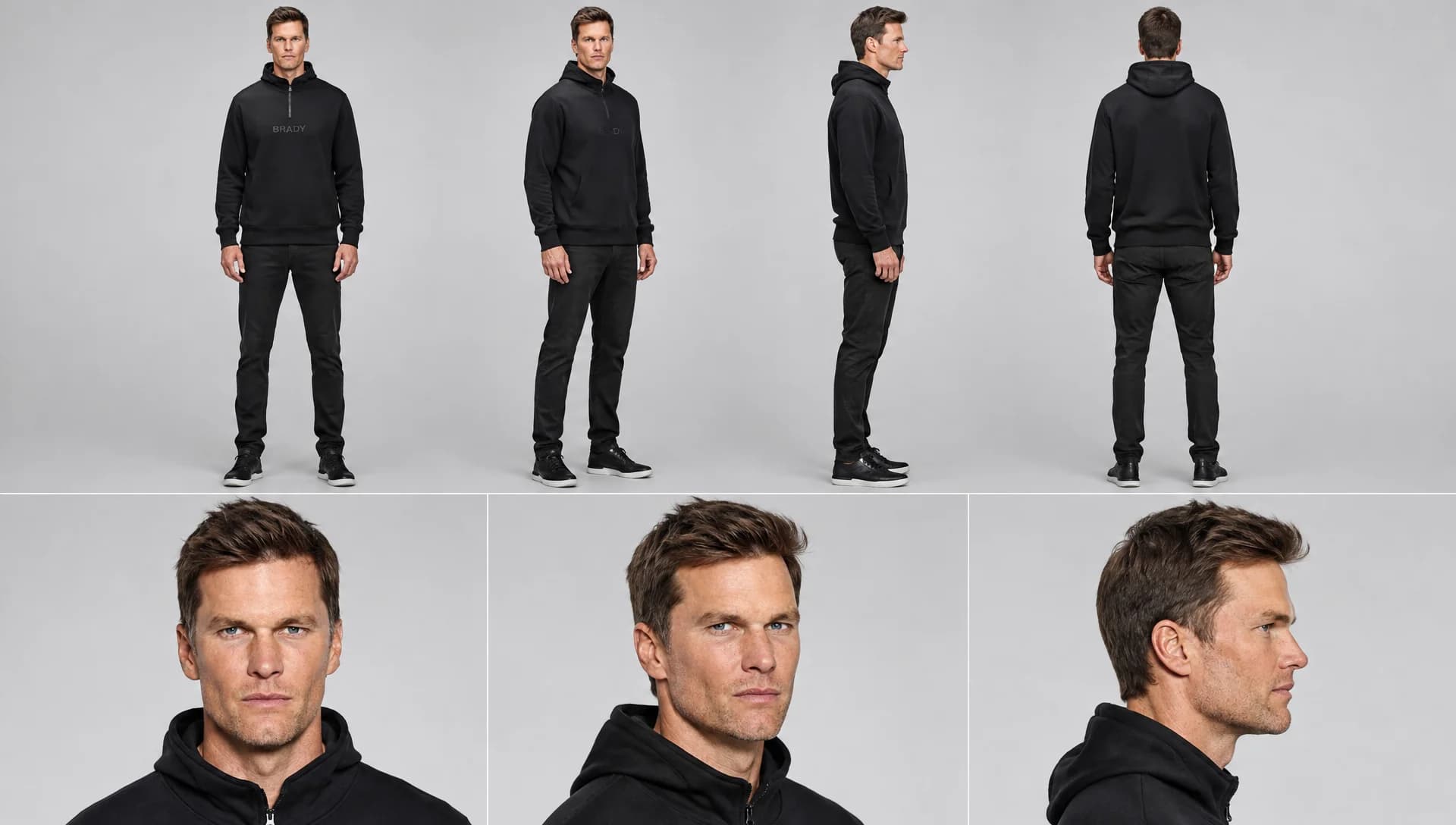 Image 1
How to Use This Prompt
- 1Copy the prompt above — the full text, not a trimmed version.
- 2Open Everypixel: Video → WAN 3.0. Use reference mode; pick 720p or 1080p, 16:9, 12 seconds and audio off.
- 3Upload the files in this order: Video 1 → Image 1 → Image 2 → Image 3. The scene runs in 2 parts: one generation per part, each with its own Video 1.
- 4Paste the prompt and hit Generate. Check the first result before making more.
Every prompt in the library works the same way — copy, paste into the model, generate.
Explore More Video PromptsSame Workflow, Other Results
Same prompt and Video 1, different Image 1, Image 2 and Image 3.
 More from WAN 3.0
All Video Models





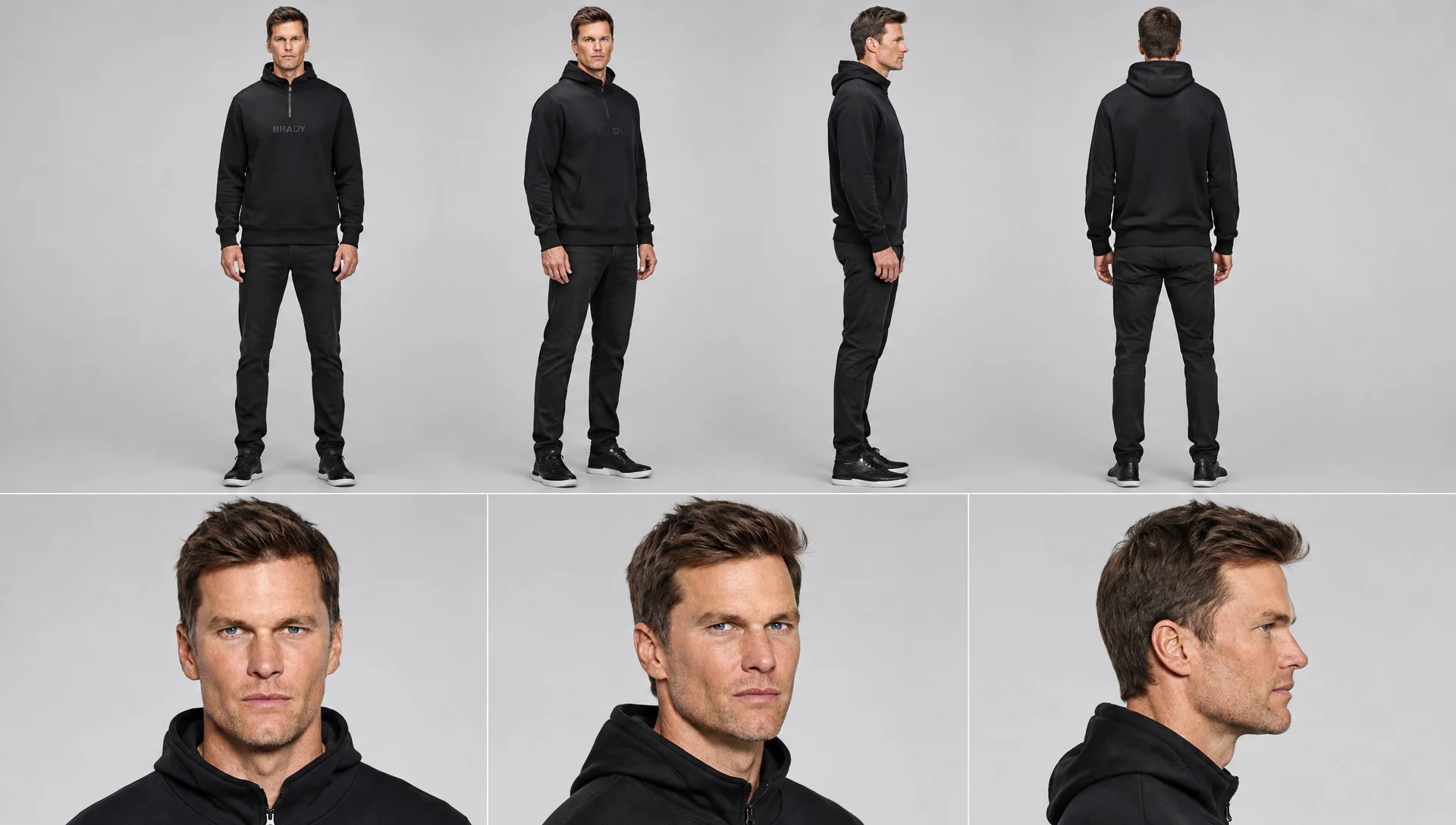
Every prompt here was actually run.
Everypixel is one account for every image and video model — pick any prompt above, or start from scratch.