
Turquoise Lagoon Lone Boat
Editor's note
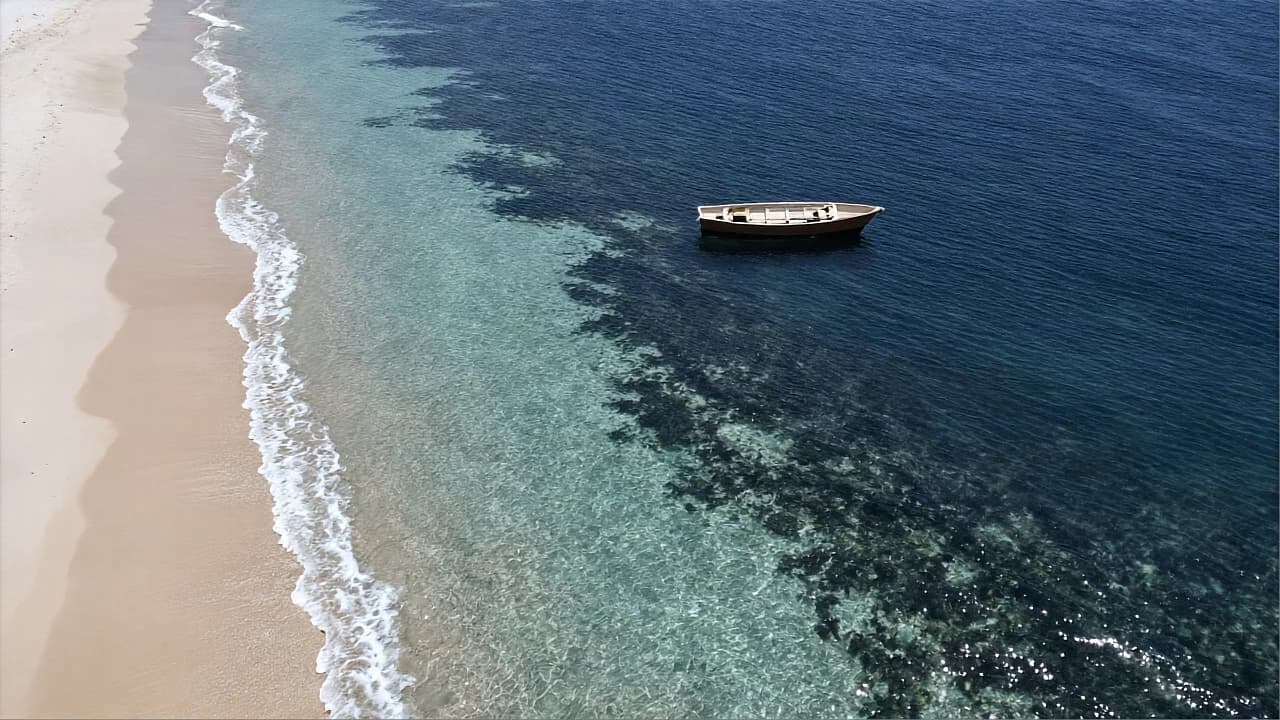
An overhead lagoon where turquoise deepens to navy beside white foam and a lone boat. Colour bands from shore to depth make a simple aerial shot read.
Aerial photograph looking straight down at a tropical lagoon. A wide curved band of sand-colored beach runs along the left edge, pale and smooth. Waves roll in from the right in three long, soft lines, each one ending in a thick white foam edge that spreads over the wet sand. Further out, the water shifts from clear turquoise in the shallows to deep navy blue in the middle of the frame, in large smooth bands. One small wooden rowboat with a cream interior floats alone in the deep-blue water, with a thin shadow on the water beneath it. Lighting: high midday sun straight overhead, shining through the clear shallow water so the sandy bottom glows pale turquoise, with a soft sparkle on the wave crests. Shot from directly above, a wide view with the whole lagoon in focus. Simple large shapes, clean smooth water surface. No people, no text, no logos, no watermark.
How to Use This Prompt
- 1Copy the prompt above — the full text, not a trimmed version.
- 2Open Everypixel and pick Z-Image as the model, then paste the prompt in.
- 3Hit Generate, then change one detail and run it again — the fastest way to make it yours.
Every prompt in the library works the same way — copy, paste into the model, generate.
Explore More Image Prompts More from Z-Image
All Image Models


Every prompt here was actually run.
Everypixel is one account for every image and video model — pick any prompt above, or start from scratch.